Draft intake
Add a story title or issue reference to the Draft column so the editorial team can find it by name.
Publishing / Product showcase
An editorial pipeline from draft to publication.
Launch interactive demo ↓ Explore the Editorial Desk AI showcase →Application screenshots · Sample data
Inside the application
Application screenshots with fictional sample data. Select any image to enlarge it.
Product overview

See what is ready for the next release
Keep drafts, reviews, scheduled articles, and published work visible to the whole editorial team.
Available in the demo
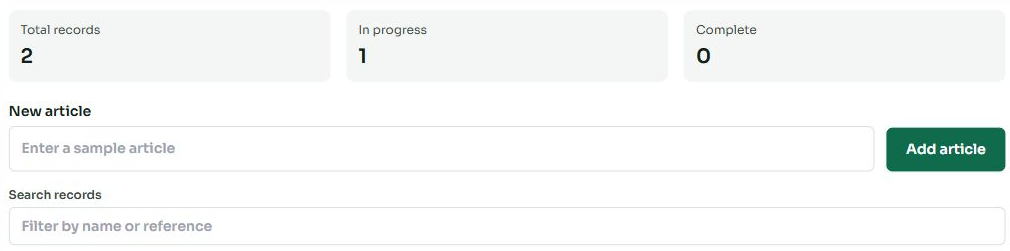
Add a story title or issue reference to the Draft column so the editorial team can find it by name.
Move a story into Editing when work begins and mark it Scheduled after it is ready for the release queue.
Mark a scheduled story Published. Stage counts show how many stories are still being edited or waiting for release.
Hands-on walkthrough
Editors need to distinguish pieces still being revised from stories ready for the publication queue. The board gives each stage its own column from first draft to release.
Add a story using a title and issue reference.
Move it to Editing, then Scheduled after editorial review.
Editorial Desk
Publishing workspace
Total records
In progress
Complete
Workflow complete
The demo uses fictional records. Changes reset on reload.
Example scenario

Move one story to Scheduled and leave the other in Editing. The editor can see which piece is ready for the release queue and mark it Published once it goes out.
Beyond the demo · Proposed
Mark it Published and check which stories are still waiting in the earlier columns.
AI roadmap
An assistant could flag style-guide inconsistencies and suggest metadata, with editorial approval before publication.
Tell us what your team needs to track, where work changes hands, and which systems it needs to connect to.
Discuss a similar project