


Decentralized Hosting and IPFS for Websites
Decentralized Hosting and IPFS for Websites
Decentralized Hosting and IPFS for Websites
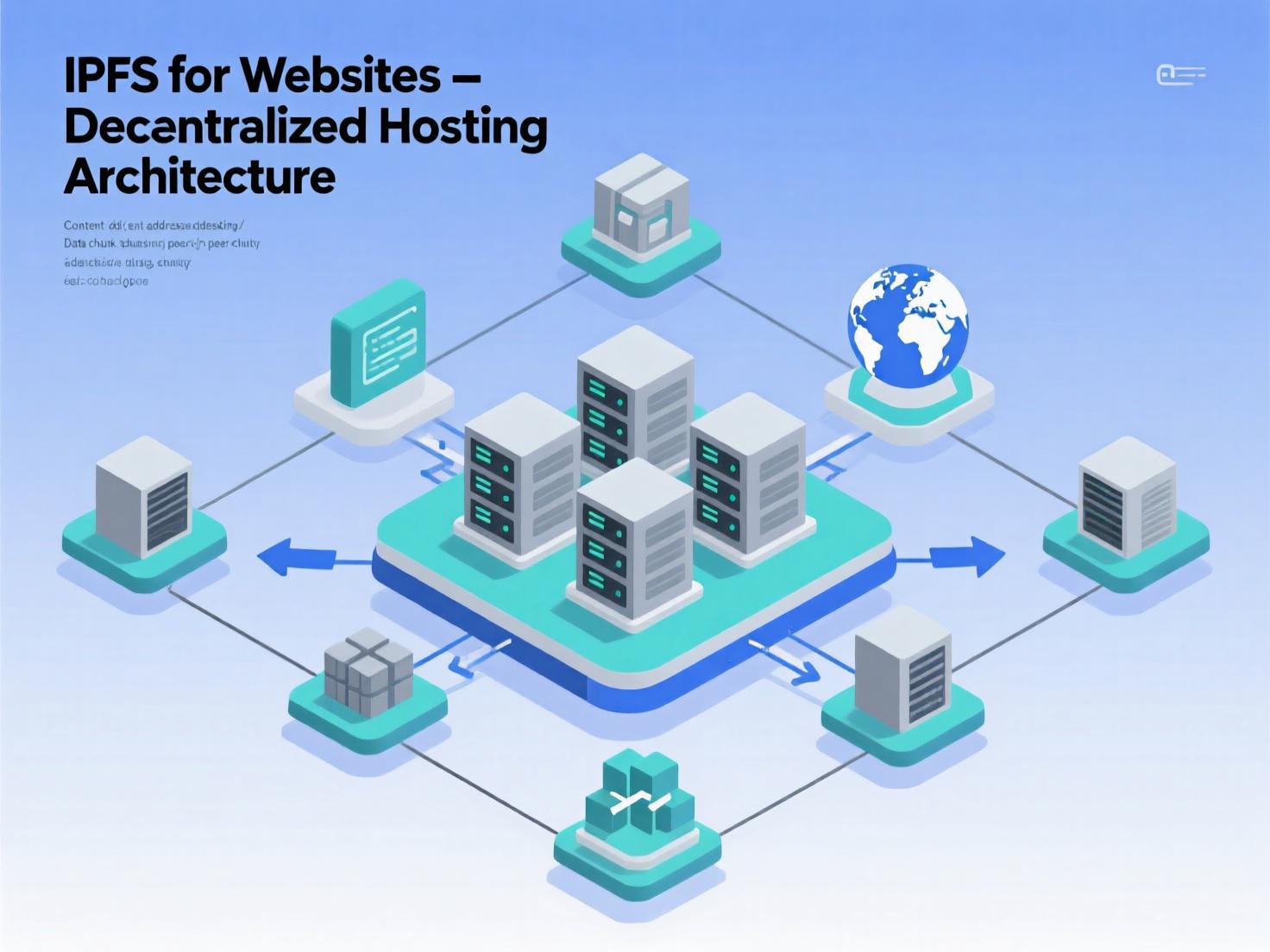
The web is shifting from location-based hosting to content-addressed delivery. If you’ve been hearing about decentralized hosting and IPFS for websites, this guide shows how it actually works, when to use it, and how to deploy a production-ready site in hours not weeks. IPFS (InterPlanetary File System) replaces fragile URLs with verifiable content identifiers (CIDs), so your files are fetched from any peer that has the data, not a single origin server. That makes sites faster to recover, more portable across providers, and naturally cache-friendly.
We’ll cover the building blocks (CIDs, pinning, IPNS, DNSLink), how to connect IPFS for websites to your custom domain (and keep SEO intact), a step-by-step deploy recipe, tooling options like web3.storage and Pinata, and what’s changed with major gateways. You’ll also see real-world examples, common pitfalls, and a launch checklist you can hand to your team. By the end, you’ll know whether IPFS for websites belongs in your stack and exactly how to ship it confidently.
What is IPFS, and why host a website on it?
IPFS is a set of open protocols for addressing, routing, and transferring data on the web using content addressing. Instead of asking “Where is the file?”, you ask “What is the file?” via a CID. Any node that has that content can serve it, and your client verifies it locally. That property is what makes IPFS for websites attractive for static sites, docs portals, and immutable assets.
Key benefits
-
Resilience & portability: No single-origin bottleneck; move pinned data across providers without changing the CID.
-
Integrity by default: Clients verify content matches its CID.
-
Edge-friendly distribution: HTTP gateways and browser integrations fetch from the nearest/fastest cache.
Core building blocks you’ll use with IPFS for Websites
CIDs & Gateways. CIDs uniquely identify content. Gateways (e.g., Cloudflare’s IPFS gateway) bridge ipfs:// to HTTPS so any browser can load your site. Cloudflare maintains a read-only gateway and developer docs for custom hostnames. ble. You can run your own node (Kubo) and/or use pinning services like web3.storage and Pinata. Pinata’s pricing highlights the cost drivers (storage, bandwidth, request volume). web3.storage makes content accessible over IPFS and backs it with Filecoin storage deals.
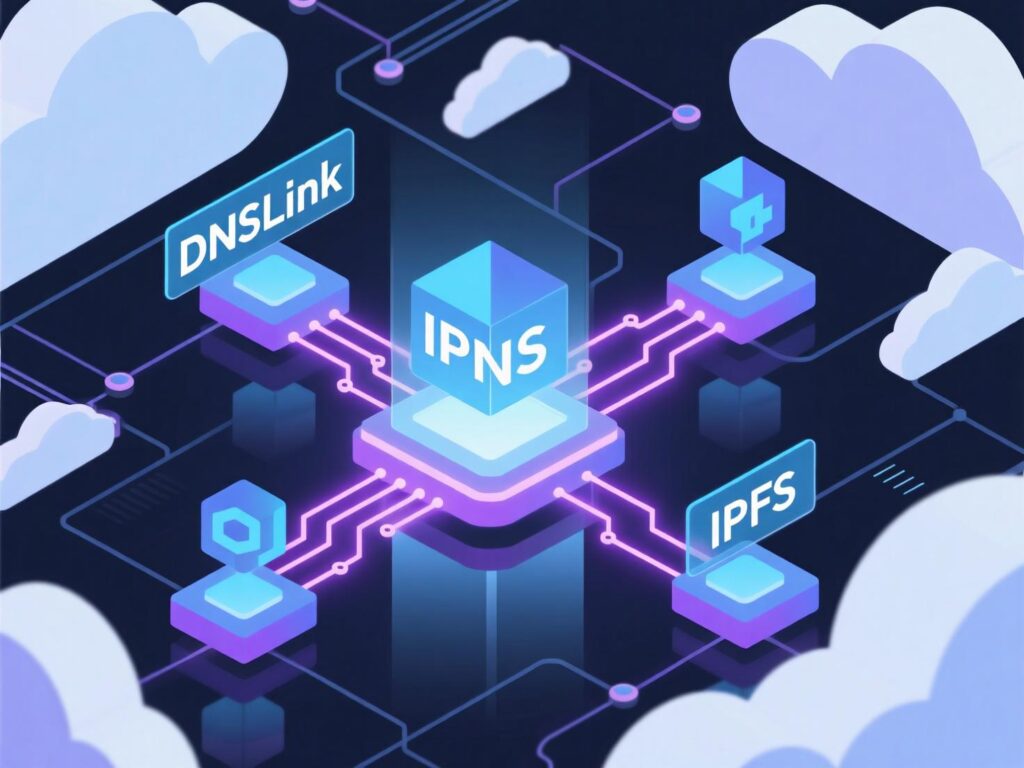
IPNS (mutable naming). IPNS maps a stable name to the latest version of your site’s CID—great for continuous deployments of IPFS for websites. Publish new versions, update the IPNS record, and clients resolve to the newest CID.
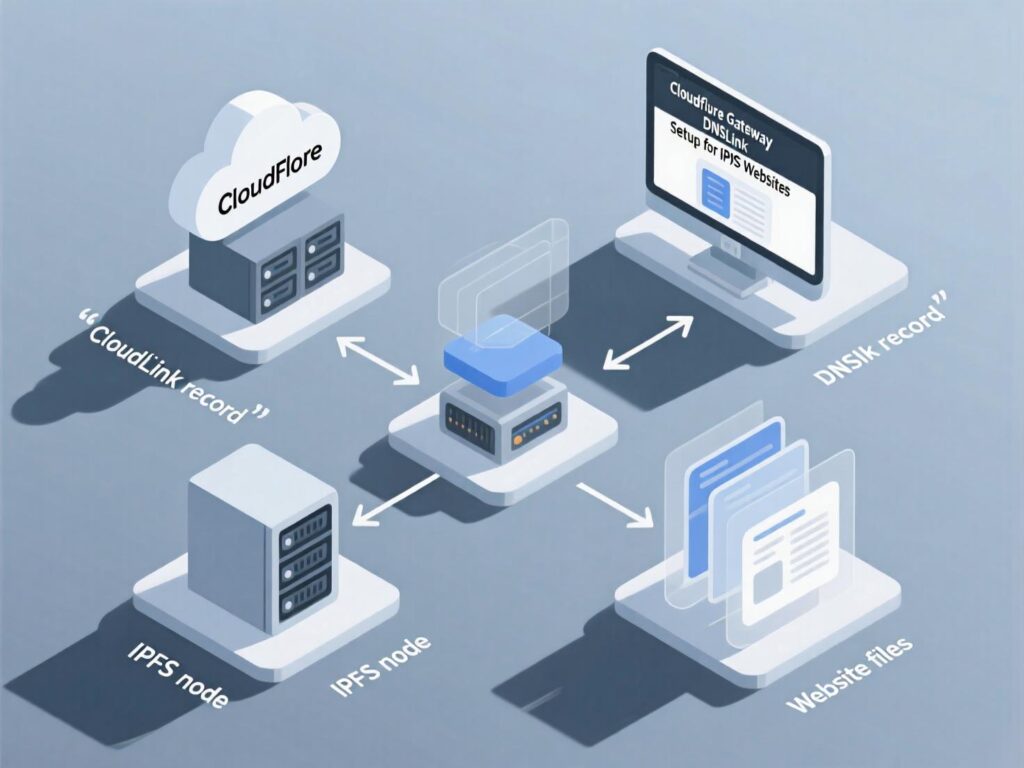
DNSLink (human-readable domains). Add a TXT record like dnslink=/ipfs/<CID> or dnslink=/ipns/<name> so https://yourdomain.com resolves to the content on IPFS. DNSLink is widely documented and easy to automate in CI.
Architectural patterns for IPFS for Websites
Static sites (best fit).
-
Jamstack builds (Next.js/Static Export, Astro, Hugo) → bundle to
/dist→ upload to IPFS → pin → publish via IPNS/DNSLink. -
Result: immutable deploys (CIDs) with a stable “latest” pointer for your IPFS for websites release.
Dynamic features.
-
Use serverless APIs (on your preferred cloud), or embed client-side calls to third-party APIs.
-
Persist user data off-site (e.g., traditional DB, Durable Objects); IPFS primarily serves the front-end bundle and assets.
Hybrid delivery.
-
Keep your primary site on IPFS, but serve country-specific assets via regional CDNs.
-
For gated content, pin privately with access controls (some providers support private IPFS and paid retrieval routes).
What changed in 2024–2025 (gateways & browsers)
-
Cloudflare gateway updates. Cloudflare announced its public IPFS gateway traffic would transition to Interplanetary Shipyard by August 14, 2024; their 2025 docs reflect the maintained read-only gateway and setup guidance. Plan your IPFS for websites around a gateway you trust or operate.
-
Brave browser behavior. Brave added IPFS support in 2021, but deprecated the built-in local node in v1.69.153 (Aug 22, 2024); IPFS links can still resolve via gateway redirection or extensions. If you counted on local-node resolution, adjust your user-support docs.
SEO & performance: will IPFS for websites rank?
Yes—if you serve your site on a custom HTTPS domain via a gateway (or your own reverse proxy), search engines see a standard site. Best practices:
-
DNSLink + HTTPS
on your domain so crawlers hit your content like any site. -
Sitemaps & prerendering.
Generatesitemap.xml, robots, and fully prerender critical pages. -
Canonical URLs.
Canonicalize to your domain (not raw gateway URLs). -
Avoid CID URLs in internal links.
Link by paths on your domain. -
Measure gateway latency and cache hit-rates.
Cloudflare publishes tools and notes around gateway performance monitoring; treat your gateway as an edge. The Cloudflare Blog
A growing body of guidance shows how to make decentralized content indexable (e.g., IPFS gateway SEO tutorials). Implementing these steps keeps IPFS for websites competitive with traditional CDNs for static content.
Security considerations
-
Integrity & tamper-evidence come from content addressing, but malicious content can also be pinned. Enforce moderation on what you publish, and use allowlists on private gateways. Security vendors have reported misuse of public gateways (e.g., phishing). Balance openness with policy and monitoring.
-
Key management for IPNS. Protect the private keys that publish your site’s “latest” pointer. Rotate keys and automate publishing in CI with scoped secrets.
Tooling for IPFS for websites
-
Kubo (go-ipfs) for running your own node, pin sets, and IPNS publishing.
-
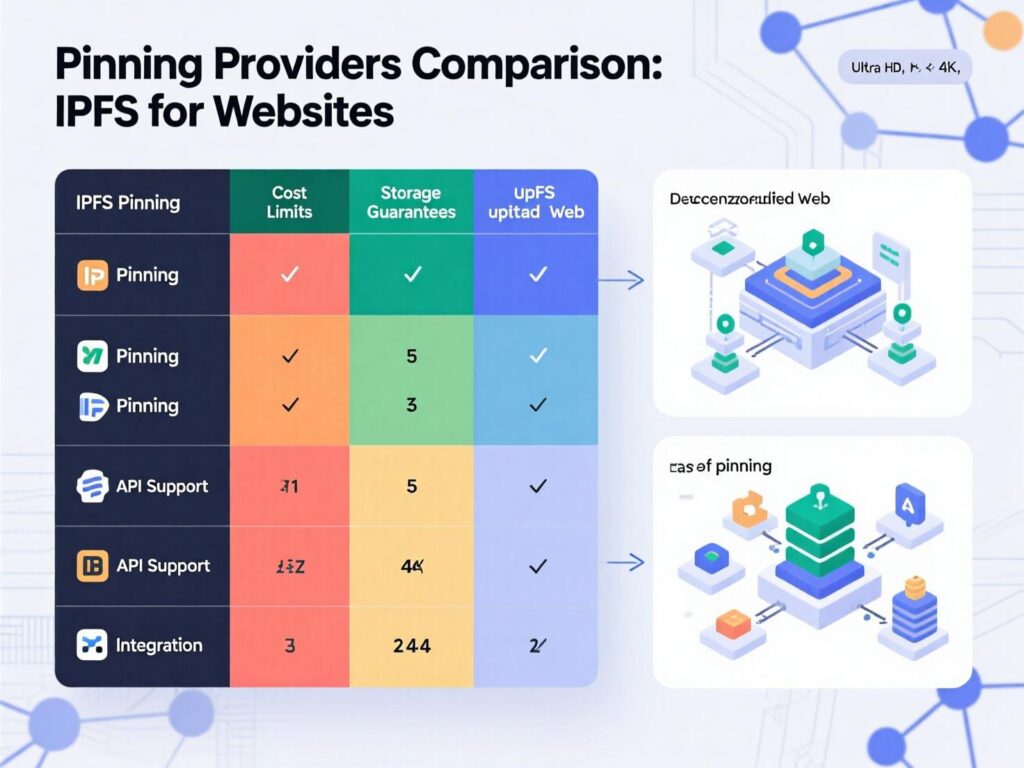
web3.storage / Storacha: push folders via CLI/SDK; content is retrievable via IPFS and backed by Filecoin storage deals for durability.
-
Pinata: managed pinning, gateways/CDN, pricing that scales with storage/bandwidth/requests.
-
Cloudflare IPFS gateway: map a custom hostname, configure DNSLink, and treat it like an edge cache for your domain.
Real-world examples (brief)
-
Wikipedia mirror via DNSLink/IPFS. The IPFS docs point to
en.wikipedia-on-ipfs.orgas an example mapping a human domain to IPFS content illustrating how large, cacheable knowledge bases can be made resilient. -
OpenSea’s decentralized metadata. A huge swath of NFT metadata is stored on IPFS/Filecoin; OpenSea documents and promotes decentralized metadata so assets remain verifiable and portable. The same principle underpins IPFS for websites immutability for builds, mutability via IPNS.
-
Gateway scale in practice. Cloudflare shared that its gateway handled thousands of requests per second even years ago evidence gateways can operate at serious scale when engineered well.
How to deploy IPFS for websites
What you’ll build:
a static site deployed to IPFS, pinned with a provider, published through IPNS, and reachable at https://yourdomain.com via DNSLink.
Build your static site
(e.g., npm run build → outputs /dist).
Install & run IPFS (Kubo)
or use a service CLI. If self-hosting: ipfs daemon.
Add your build folder:
ipfs add -r --cid-version=1 dist/ → note the root CID.
Pin the content:
pin locally and/or with a provider (e.g., web3.storage or Pinata).
Create an IPNS name:
ipfs name publish /ipfs/<rootCID> (or use your provider’s IPNS).
Add DNSLink to your domain:
TXT record dnslink=/ipns/<your-ipns-name> (or directly to /ipfs/<CID> per release).
Map a custom hostname to a gateway
(e.g., Cloudflare IPFS gateway with DNSLink).
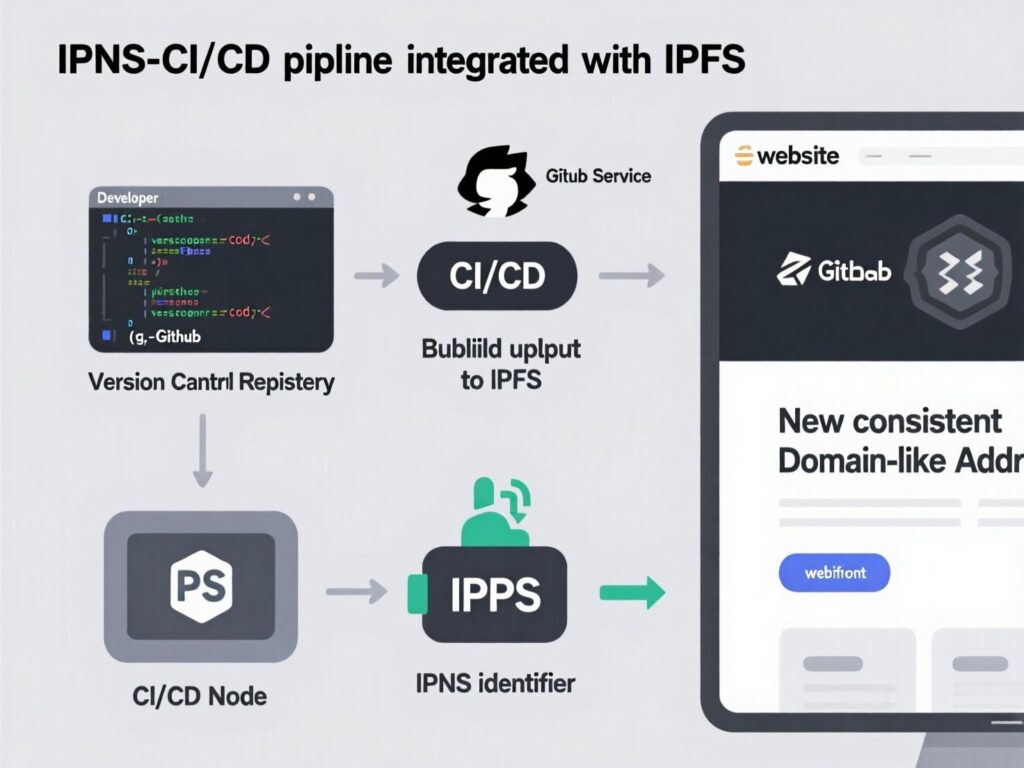
Automate in CI/CD:
on each merge to main, rebuild, upload, pin, update IPNS, and invalidate caches on your gateway.
This pipeline keeps IPFS for websites fast to iterate while preserving immutable version history.
Cost snapshot & planning
Costs come from storage, egress/bandwidth, and request volume. Managed pinning providers detail these drivers; for example, Pinata documents storage and bandwidth overages and evolving plan limits, while usage-based pricing models for private retrieval are emerging. Budget for bursty traffic and set alerts.
Troubleshooting & ops tips
-
Slow resolves? Check gateway health, enable multiple public gateways as fallbacks, and ensure popular assets are pre-warmed.
-
Stale content? Update IPNS, flush gateway caches, and verify your DNSLink record propagated.
-
“404” on a CID? Ensure your content is pinned and reachable from multiple peers.
-
Local dev: run a local Kubo node; for teams, standardize on a provider CLI to avoid key leakage in CI.
Wrapping It Up
Decentralized hosting lets you decouple what you serve from where you serve it and IPFS for websites is the most production-ready way to get there for static and Jamstack use cases. By embracing CIDs for immutable builds, IPNS for deployments, and DNSLink for your domain, you gain resilience, portability, and verifiable integrity without sacrificing SEO.
With mature gateways (including Cloudflare) and pinning providers (web3.storage, Pinata), teams can mix self-hosted nodes with managed infrastructure and ship confidently. If you’ve ever been on call for an origin outage or a regional CDN blip, IPFS for websites gives you a realistic, incremental path to a more resilient web presence today.
CTA: Ready to pilot? Start with a docs or landing-page repo, deploy it using the steps above, and measure time-to-first-byte and cache hit-rates. Need help designing your IPFS for websites pipeline? Let’s architect it together.
FAQs
Q : How does IPFS differ from traditional hosting?
A : IPFS uses content addressing (CIDs) to fetch files from any node with the data, verifying integrity locally. Traditional hosting fetches from a specific server by location. For IPFS websites, this means faster recovery and fewer single points of failure.
Q : How can I connect a custom domain to IPFS?
A : Use DNSLink to map your domain to /ipfs/<CID> or /ipns/<name>, and serve via an HTTPS gateway (managed or your own). This keeps URLs clean and SEO-friendly.
Q : How do I update a site without changing the URL?
A : Publish a new CID and update IPNS so the stable name points to the latest version. You can automate this in CI/CD pipelines.
Q : How does SEO work for IPFS for websites?
A : Serve on your domain with HTTPS via a gateway, keep sitemaps/canonical tags, and avoid raw gateway URLs in internal links. Treat the gateway like a CDN edge and monitor performance.
Q : How secure is IPFS?
A : Content integrity is strong thanks to CID verification, but you must control what you pin and how you expose it. Public gateways can be abused, so enforce policies and monitor usage.
Q : How do I pin content?
A : Run your own IPFS node or use providers like web3.storage or Pinata. Pinning ensures data remains available on the network.
Q : How can I host dynamic apps on IPFS?
A : Use IPFS for the static front-end and connect it to serverless APIs/databases elsewhere. Many production teams adopt this hybrid model today.
Q : How do Cloudflare and other gateways fit in?
A : Gateways translate ipfs:// to HTTPS and can be mapped to your domain. Cloudflare maintains IPFS gateway documentation and supports DNSLink integration.
Q : How do I troubleshoot slow loads?
A : Check pinning/replication, try multiple gateways, warm caches, and verify DNSLink/IPNS status for faster performance.