



Headless CMS
A headless CMS separates your content backend (where editors create and store content) from the frontend (how and where that content is rendered). Instead of shipping HTML from a tightly-coupled CMS, your content is delivered via APIs to websites, mobile apps, and any other channel. That decoupling brings flexibility but also process, platform, and people complexity. The right question isn’t “Is headless cool?” It’s “When is a headless CMS worth the complexity for my team, stack, and roadmap?” This guide summarizes what a headless CMS is, the specific triggers that justify it, what it really costs, typical pitfalls, and a 90-day adoption plan so you can separate hype from value and decide with confidence.
What is a headless CMS (in practice)?
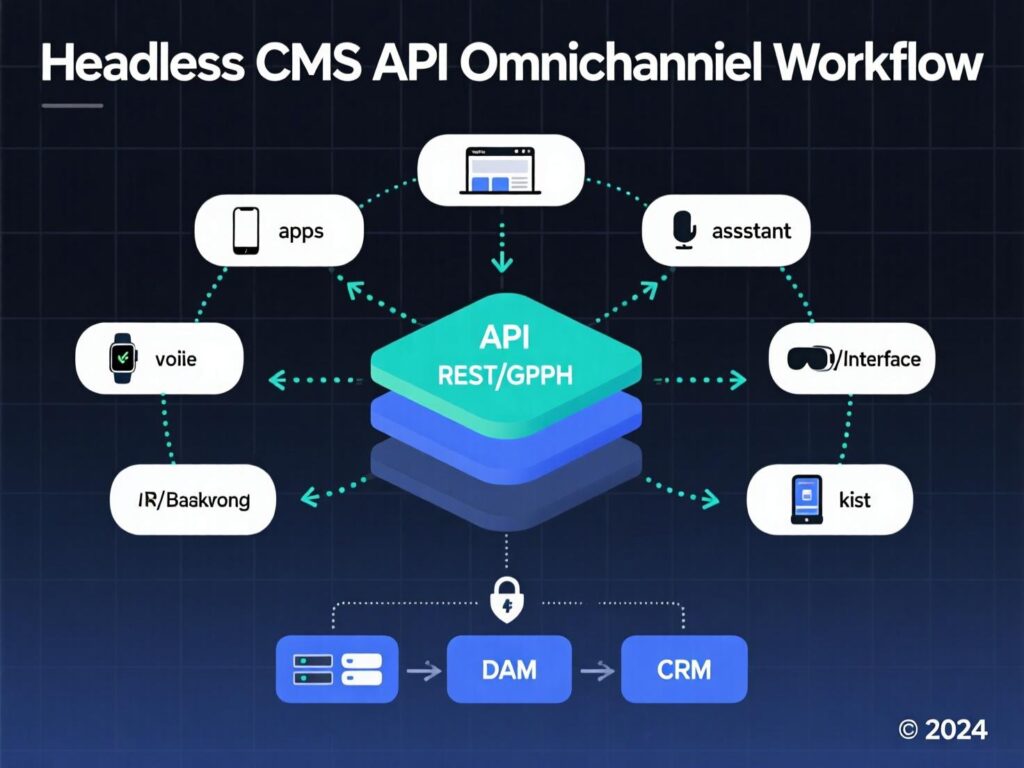
A headless CMS is a backend-only content system that exposes content via REST/GraphQL APIs without a built-in presentation layer. Editors manage structured content in a central repository; developers fetch and render it in whatever frontend they choose (Next.js, Nuxt, native mobile, in-store screens, etc.). This is distinct from a decoupled CMS, which may still ship a “head” you can use optionally.
Why teams consider it
-
Omnichannel publishing from one source of truth
-
Performance control (you own the frontend)
-
Security & governance improvements from reducing the public attack surface
-
Scalability & team velocity with cleaner separation of concerns
-
Composable stacks that integrate best-of-breed services via APIs
Headless CMS: When the complexity pays off
Below are the clearest business/technical triggers where headless complexity is justified.
You have real omnichannel needs (not just “maybe later”)
If your roadmap includes web + apps + kiosks + third-party screens (or rapid brand rollouts), a headless CMS removes template limits and pushes the same content model anywhere via API. That’s near-impossible to keep sane on a monolith without custom workarounds.
You must hit Core Web Vitals under INP
Since March 12, 2024, INP replaced FID as a Core Web Vital. Many sites struggled; controlling your rendering stack (and minimizing client JS) is often easier with a headless architecture. If speed and interaction latency are KPI-level requirements, headless helps you optimize LCP/INP/CLS with modern frameworks and delivery patterns.
Reality check: in 2024, mobile CWV pass rates hovered around ~43–48% depending on the dataset so there’s still plenty of room to win with performance.
You manage complex content models and localization
Multi-brand, heavily localized catalogs, regulated content, or multi-market personalization benefit from strict content modeling and workflows (roles, approvals, previews) independent of templates.
Security/compliance posture matters
A headless CMS reduces the public-facing surface area compared to a traditional, plugin-heavy monolith. Auth, roles, and content flows live behind the scenes while your frontend can be static or narrowly scoped. For some teams, that risk reduction is decisive.
You’re going composable (best-of-breed)
If you’re already adopting MACH/composable services PIM, CDP, search, commerce, DAM an API-first CMS slots in cleanly. Trying to force-fit that into a monolith often creates technical debt.
You need faster shipping (with guardrails)
Headless splits responsibilities: editors ship content safely; devs evolve the UX without CMS constraints. That parallelism lifts velocity provided you invest in previews, visual guidelines, and component libraries.
You’re at scale (traffic, teams, or both)
At scale, the ability to independently scale content APIs, rendering layers, edge caching, and search becomes operationally valuable and cheaper than scaling a single monolith.
When you probably shouldn’t go headless
Headless is not a default upgrade. Consider staying traditional or hybrid if:
-
Simple brochure site with a small team and no app ambitions
-
Marketing needs a page builder yesterday and you can’t resource frontend dev for components
-
Budget is tight and TCO of multiple vendors + integration work would crowd out growth work
-
Plugin-first workflows (forms, SEO, A/B testing) your team already relies on heavily
-
Short-term site where speed-to-launch outweighs future omnichannel needs.
Cost model: What “complexity” really costs
Direct costs: CMS license (SaaS or hosting), frontend hosting, CDN, auth, search, image optimization, optional DAM, integration hours.
Indirect costs: frontend build, content modeling, migration/redirects, design system, training, ongoing ops.
Market data suggests headless spend is rising with 20–22% CAGR this decade, reflecting clear enterprise appetite—yet numbers vary widely by report (always evaluate methodology). Use them directionally, not as your ROI. Future Market Insights+2Research and Markets+2
Architecture patterns that work (and why)
Static-first (SSG/ISR)
-
When: content changes regularly but not every request; SEO-focused sites
-
Stack: Next.js/Nuxt + edge cache + on-demand revalidation
-
Why headless helps: perfect API fit; cheap global performance
SSR/Streaming
-
When: highly personalized or frequently updated pages
-
Stack: Next.js App Router/Nuxt server routes, server components
-
Why headless helps: fetch exactly the fields you need; cache smartly at edge
Hybrid (per-route strategy)
-
Mix SSG for evergreen content with SSR for high-change or personalized routes.
“Headless WordPress” (or hybrid CMS)
-
Keep WP as editor UI, deliver via API, render on modern frontend. Useful stepping stone to full composable
What great headless implementations include
-
Structured content model agreed by content + dev + SEO
-
Preview pipeline (editorial preview URLs)
-
Image CDN (format negotiation, responsive art direction)
-
Search (index API payloads; don’t over-query your CMS)
-
Analytics & consent integrated at the frontend level
-
Role-based workflows (draft, approval, versioning)
-
Guardrails: design system, content guidelines, component library
Case snapshots (what “worth it” looks like)
-
Photobox (ecommerce)
Moved to headless, reporting ~50% lower page load time and improved retention after adopting a headless stack (vendor case study). Faster pages convert and rank better—especially post-INP. -
Komax (manufacturing)
Migrated from a monolithic, on-prem setup to a composable, cloud-based headless architecture; the shift improved site performance and enabled a B2B portal and public site off the same content graph.
Note: These are vendor-published results; validate with your own benchmarks and POCs.
SEO implications (quick hits)
-
Headless gives full control over markup, routing, schema, and CWV—no page-builder bloat.
-
You must build essentials: HTML metadata, sitemaps, hreflang, structured data, and robust link architecture (it won’t be “automatic”).
-
INP-focused performance work is simpler when you own hydration strategy and reduce client JS.
Decision matrix: Is headless CMS worth it—for you?
| Criteria | Weight | Traditional CMS | Headless CMS |
|---|---|---|---|
| Omnichannel content | 20% | 5/10 | 9/10 |
| Core Web Vitals/INP | 20% | 6/10 | 9/10 |
| Editor autonomy (w/o dev) | 15% | 9/10 | 7/10 |
| Security posture | 10% | 6/10 | 8/10 |
| Vendor lock-in risk | 10% | 7/10 | 8/10 |
| TCO in first 12 months | 15% | 8/10 | 6/10 |
| Scalability (teams & traffic) | 10% | 6/10 | 9/10 |
If omnichannel + performance are top-weighted for you, headless often wins. If time-to-page-builder and single-vendor simplicity dominate, monolith/hybrid may be better.
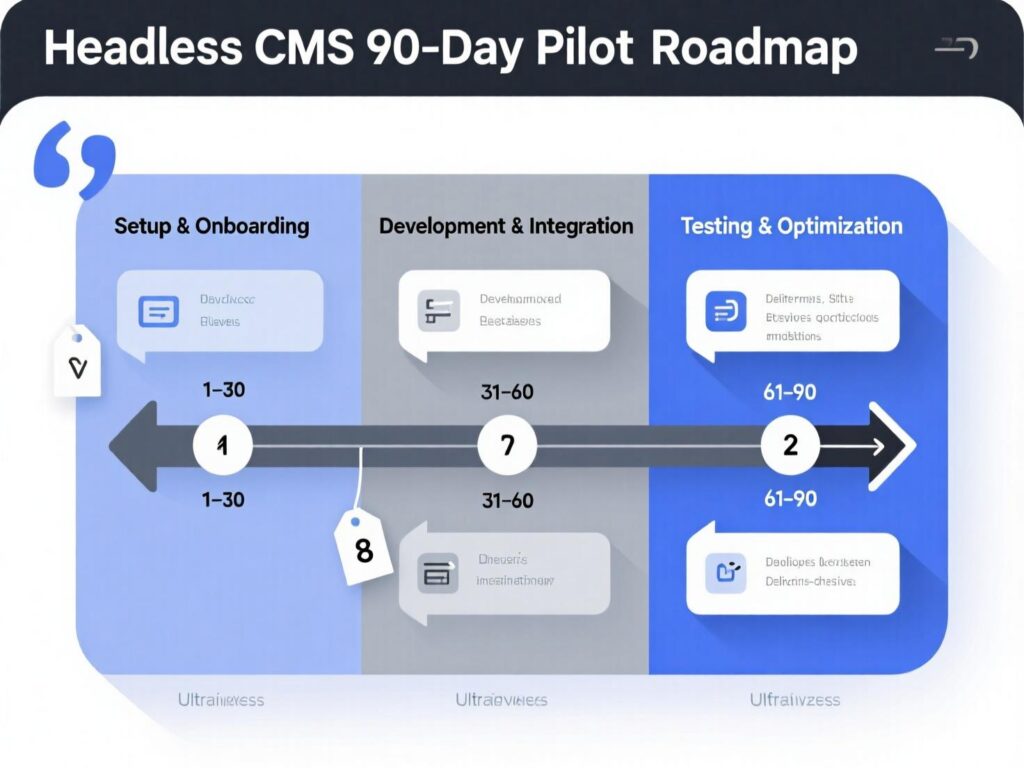
Implementation roadmap: a 90-day plan
Phase 0 (Week 0–1)
Business case & KPIs (CWV targets, time-to-publish, localization, compliance).
Phase 1 (Week 1–3)
Pick headless CMS, define content model, pick preview strategy, choose image CDN.
Phase 2 (Week 3–6)
Build design system + route strategy (SSG/SSR mix). Set up schema.org, sitemaps, redirects.
Phase 3 (Week 6–9)
Migrate 10–20 “seed” pages. Wire analytics, search, and feature flags.
Phase 4 (Week 9–12)
Performance hardening for INP/LCP/CLS; UAT; train editors; go-live.
Common pitfalls (and fixes)
-
No preview
Editors fly blind → implement secure preview tokens per branch/env. -
Over-fetching:
Slow pages from chatty APIs → GraphQL fragments + caching + RSC/edge. -
Binary media bloat
LCP suffers → image CDN with formats (AVIF/WebP), DPR-aware srcsets. -
Fragmented governance
Add RACI, roles, and mandatory reviews in CMS workflows. -
Big-bang migrations
Slice into content domains, ship incrementally.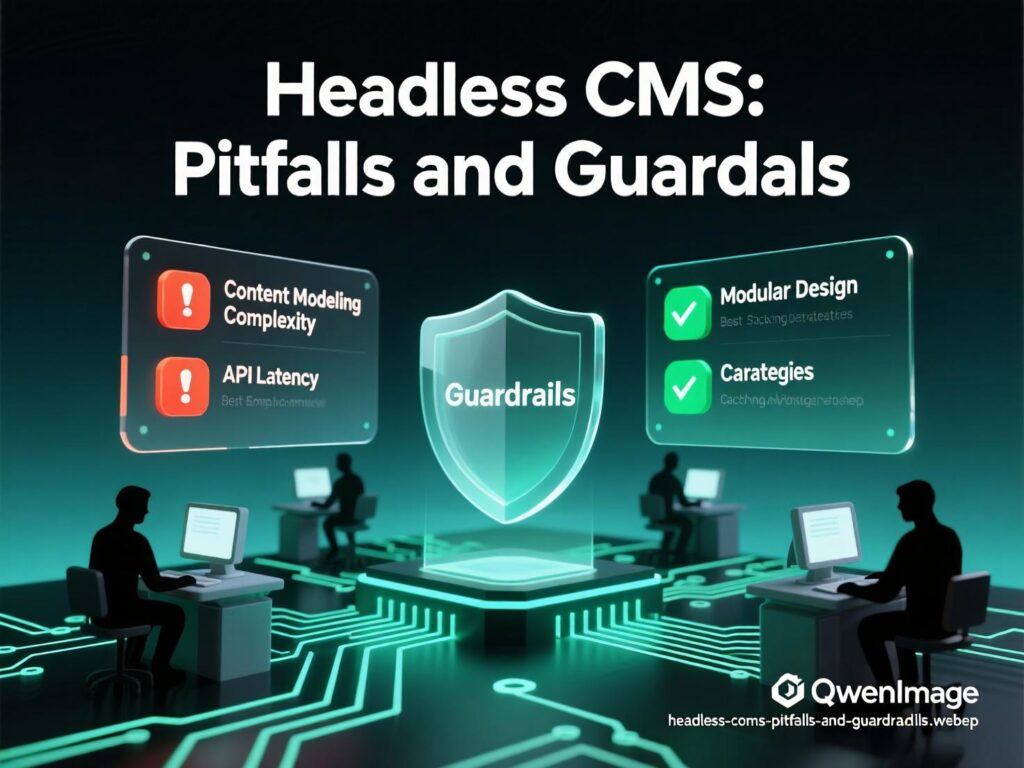
Wrapping It Up
Choose a headless CMS when your roadmap clearly demands omnichannel delivery, CWV/INP performance, complex content models, and composable integrations. Accept the upfront complexity (content modeling, FE build, migration) to unlock long-term speed, scale, and governance.
If your needs are simple or page-builder-first, a traditional or hybrid CMS can be faster and cheaper. The winning move is intentionality: pick the architecture that fits your next 24 months not just the next sprint. If that future is multi-channel, performance-critical, and governed, headless CMS is worth the complexity.
CTA: Want a decision worksheet, a POC sprint plan, or help modeling content? Tell me your stack and team size I’ll tailor a one-pager you can take to the board.
FAQs
1) How does a headless CMS differ from a traditional CMS?
A : A headless CMS stores and manages content and exposes it via APIs; it has no built-in presentation layer. Traditional CMS platforms couple backend and frontend, which simplifies page building but limits omnichannel reuse and performance control.
Schema expander: Emphasize API-first delivery and lack of templating.
2) How can a headless CMS improve Core Web Vitals?
A : Owning the frontend means you can reduce JS, stream HTML, pre-render routes, optimize images, and tune interaction latency. Since INP became a CWV on Mar 12, 2024, this flexibility is valuable.
Schema expander: Mention SSR/SSG, RSC, and image CDNs.
3) How much does a headless CMS cost?
A : Expect platform fees (or hosting), frontend hosting, CDN, image optimization, and integration time. Total Cost of Ownership is often higher upfront, but operational costs trend lower at scale due to cleaner separation and caching. Cite real vendor quotes for accuracy.
Schema expander: Add line items: CMS, CDN, search, auth, DAM.
4) How do we keep marketers productive without page builders?
A : Invest in component libraries + preview. Pre-defined blocks give editors guardrails; preview links let them validate content visually before publishing.
Schema expander: Note roles/permissions and approvals.
5) How long does a headless pilot take?
A : A focused 90-day plan can migrate a slice (10–20 pages or a product subset), prove CWV targets, and validate workflows. Scale gradually.
Schema expander: Reference phased plan above.
6) How secure is a headless CMS?
A : Decoupling reduces the public attack surface editor UI and APIs are gated; your frontend can be static or narrowly scoped. Still apply standard hardening and least privilege.
Schema expander: Mention SSO and audit logs.
7) How do we handle SEO with a headless CMS?
A : You’ll build SEO explicitly: semantic HTML, meta tags, schema, sitemaps, clean URLs, hreflang, and internal links. The upside is total control with no theme bloat.
Schema expander: Include INP performance as SEO support signal.
8) How do we choose between SSG and SSR?
A : If content is mostly stable, SSG/ISR is faster and cheaper. If it’s personalized or changes frequently, prefer SSR/streaming and strong caching. Many teams mix both.
Schema expander: Add per-route caching hints.
9) How can we measure success?
A : Define KPIs before kickoff: CWV (INP/LCP/CLS), time-to-publish, localization lead time, conversion rate, and deployment frequency. Track pre/post deltas for the pilot.
Schema expander: Use CrUX + RUM for real-user metrics.
[…] fit for headless architectures like those covered in Mak It Solutions’ Headless CMS […]