


Dockerizing Web Apps: A Practical Starter
Dockerizing Web Apps: A Practical Starter
Dockerizing Web Apps: A Practical Starter
Containerization has matured from a “nice to have” to a must-have. Dockerizing Web Apps lets teams package code and dependencies into portable images, run them reliably across laptops, CI, and production, and scale with confidence. In 2025, Docker’s BuildKit engine, multi-stage builds, and Compose v2 have made builds faster, images slimmer, and local environments closer to production than ever. This guide distills field-tested best practices for Dockerizing Web Apps covering image design, performance, security, environment configuration, and team workflows—so you can ship faster without sacrificing reliability or security.
We’ll use practical examples (Node.js + React, and Python + Django) and reference authoritative resources throughout. Multi-stage builds and BuildKit are now the recommended default for efficient, secure images, while Docker Compose v2 standardizes the docker compose CLI for multi-container dev setups. We’ll also touch security basics (non-root users, vulnerability scanning with Docker Scout), caching, .dockerignore, and AEO/GEO considerations for blog visibility. By the end, Dockerizing Web Apps will feel clear, pragmatic, and immediately actionable. Docker Documentation+2Docker Documentation+2
Why Docker at All? The Business & Dev Payoff
-
Consistency: Same container on laptop, CI, and prod → fewer “works on my machine” fails.
-
Speed: Layer caching + BuildKit parallelization reduce rebuild times.
-
Security Posture: Small final images via multi-stage builds shrink attack surface; scanners surface CVEs early.
-
Dev/Prod Parity: Compose files encode dependencies (DBs, caches) for reproducible environments.
Core Concepts for Dockerizing Web Apps
Multi-Stage Builds (Slimmer, Safer, Faster)
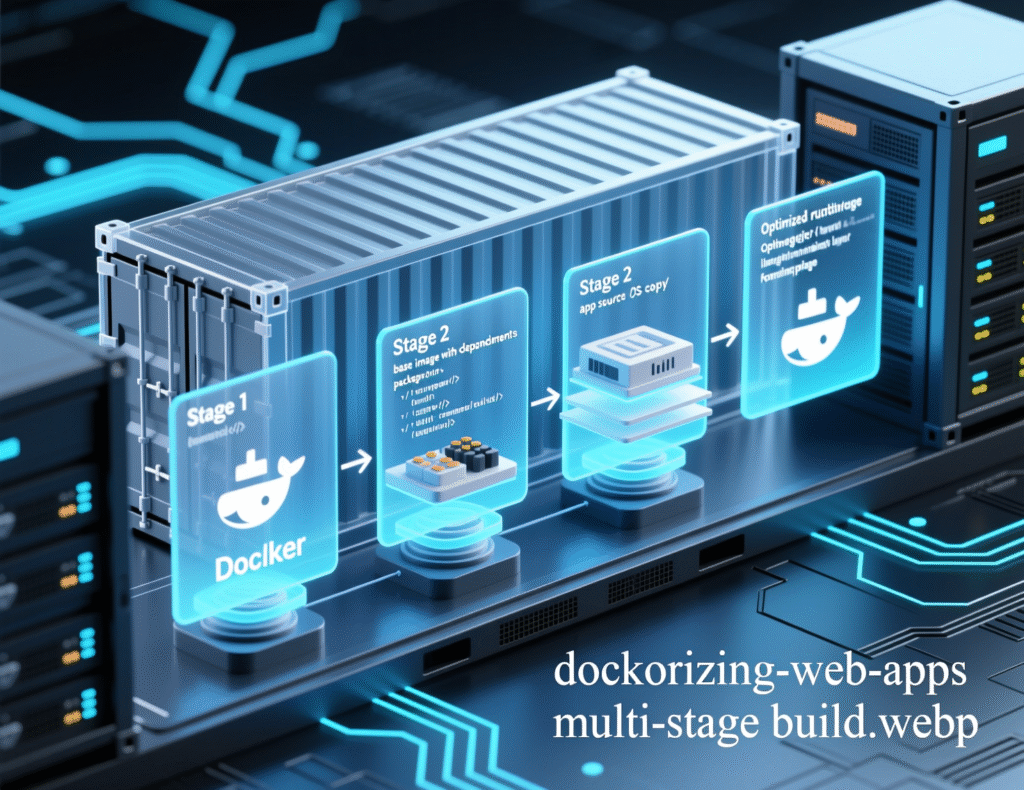
Use multiple FROM stages: one to build, one to run. The final image contains only what’s needed to execute. This reduces size and vulnerabilities and speeds up pushes. Multi-stage builds are recommended for all app types.
BuildKit (Modern Builder)
BuildKit is the default builder and supports parallelization, cache mounts, SSH/Secret mounts, and inline cache export, all of which accelerate Dockerizing Web Apps and improve developer ergonomics.
.dockerignore (Small Context = Fast Builds)
Exclude node_modules, virtualenvs, logs, and secrets from the build context to avoid slow uploads and accidental leaks.
Compose v2 (docker compose)
Compose v2 integrates with the Docker CLI. Use docker compose up for multi-container dev environments, not the legacy docker-compose.
A Reference Dockerfile Pattern (Node.js/React)
Below is a production-ready pattern for Dockerizing Web Apps that build a Node backend and React frontend with multi-stage builds and cache mounts.
Why it works
-
Multi-stage keeps runtime small.
-
Cache mounts accelerate dependency install.
-
Distroless reduces attack surface; pair with a non-root user.
-
Tip: If you need native build tools, use Debian/Alpine for build stages only; keep the final image minimal.
A Reference Dockerfile Pattern (Python/Django + Gunicorn)
A typical pattern for Dockerizing Web Apps in Python.
Notes
-
Keep
build-essentialout of the final image. -
Run as a non-root user in production.
Compose v2 for Local Dev & Test
A minimal docker-compose.yml to run app + Postgres for Dockerizing Web Apps:
Use docker compose up --build locally; in CI, build/push with docker buildx build --push and deploy via your orchestrator. Compose v2 is part of the Docker CLI and is the recommended syntax.
Performance Wins When Dockerizing Web Apps
Keep build context small: .dockerignore everything that isn’t required.
Leverage BuildKit caching: --mount=type=cache for package managers (npm/pip/apt).
Pin versions & layer ordering: Put the most stable steps first; change-heavy files later to maximize cache hits.
Use multi-stage builds everywhere: They’re efficient and reduce attack surface.
Export cache to registry in CI: --cache-to=type=registry + --cache-from for cross-runner speedups.
Security Essentials for Dockerizing Web Apps
-
Run as non-root (
USERinstruction) and drop Linux capabilities when possible. -
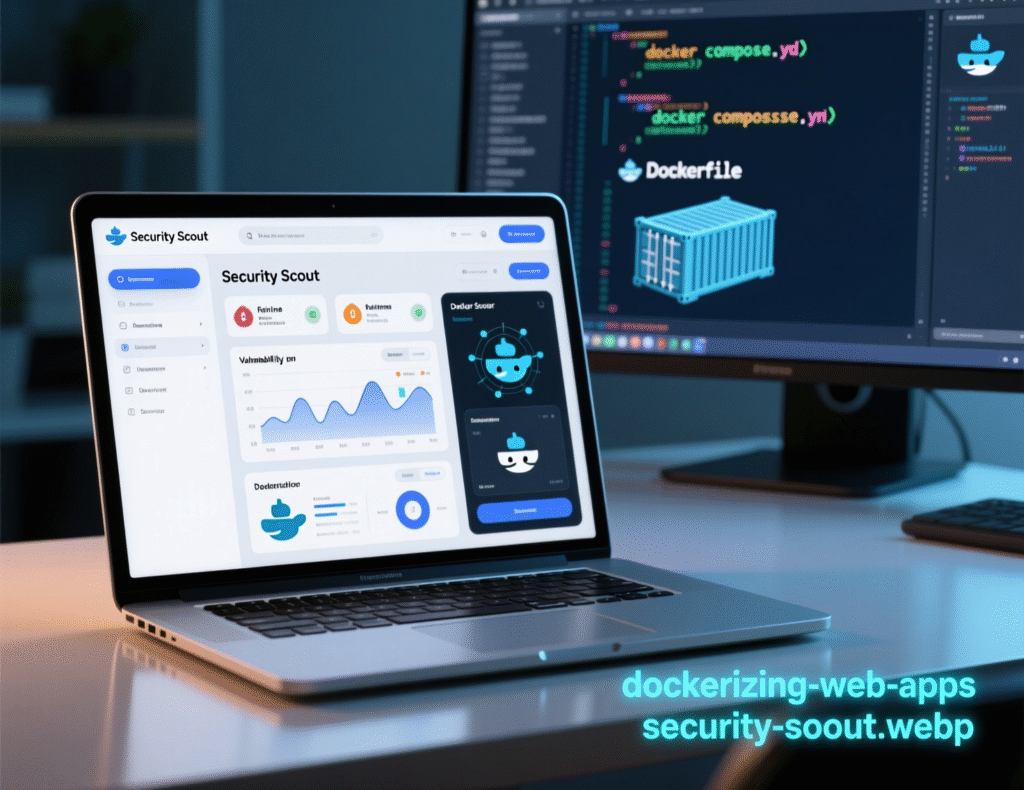
Scan images continuously with Docker Scout (CLI, Desktop, or Hub) or tools like Trivy/Grype.
-
Use minimal base images and keep them patched.
-
Secrets management: Don’t bake secrets into images. Use
--secretmounts, env injection in CI/CD, or cloud secrets managers. -
Network & filesystem hardening: Read-only root FS, least privilege, explicit ports, and healthchecks.
-
Follow OWASP Docker Security Cheat Sheet: comprehensive checklist of common pitfalls.
Case Study 1: Startup API Slashes Image Size 88%
A fintech startup’s Node API image was 1.6 GB and builds took 7–9 minutes. After Dockerizing Web Apps with multi-stage builds, .dockerignore, and BuildKit cache mounts:
-
Image: ~190 MB final (-88%)
-
Build time: ~2–3 minutes (-65%)
-
Security: fewer CVEs after switching to distroless + non-root
The biggest win was moving dev-only tooling out of the runtime image. Multi-stage builds are explicitly recommended by Docker.
Case Study 2: SaaS Team Unlocks Dev/Prod Parity with Compose
A 12-engineer team struggled with “works on my machine” bugs. They adopted Dockerizing Web Apps with Compose v2 defining app + Postgres + Redis. Benefits:
-
Onboarding time dropped from days to <1 hour
-
Fewer environment drift issues (same Compose file used in preview envs)
-
Simplified CI by reusing Compose services in integration tests
Compose v2’s integrated CLI helped standardize workflows.
Step-by-Step: How to Dockerize a Web App (Quick How-To)
Create .dockerignore (node_modules, venv, tests, logs, .env, build artifacts).
Write a multi-stage Dockerfile (build → runtime).
Enable BuildKit (DOCKER_BUILDKIT=1, or Docker Desktop default).
Run locally with Compose v2 (docker compose up).
Scan the image (Docker Scout / Trivy) and fix high CVEs
Push to registry and deploy (Swarm/Kubernetes/Cloud Run, etc.).
Automate in CI (docker buildx build --cache-to/--cache-from).
This checklist encapsulates the modern baseline for Dockerizing Web Apps.
Common Pitfalls (and How to Avoid Them)
-
Gigantic images: Use multi-stage, minimal base images, and strip build tools.
-
Leaking secrets: Use
.dockerignoreand secret mounts; never copy.envinto images. -
Running as root: Always set a non-root
USER. -
Slow rebuilds: Cache mounts + ordered layers + smaller context.
-
Legacy compose command: Prefer
docker composeoverdocker-compose.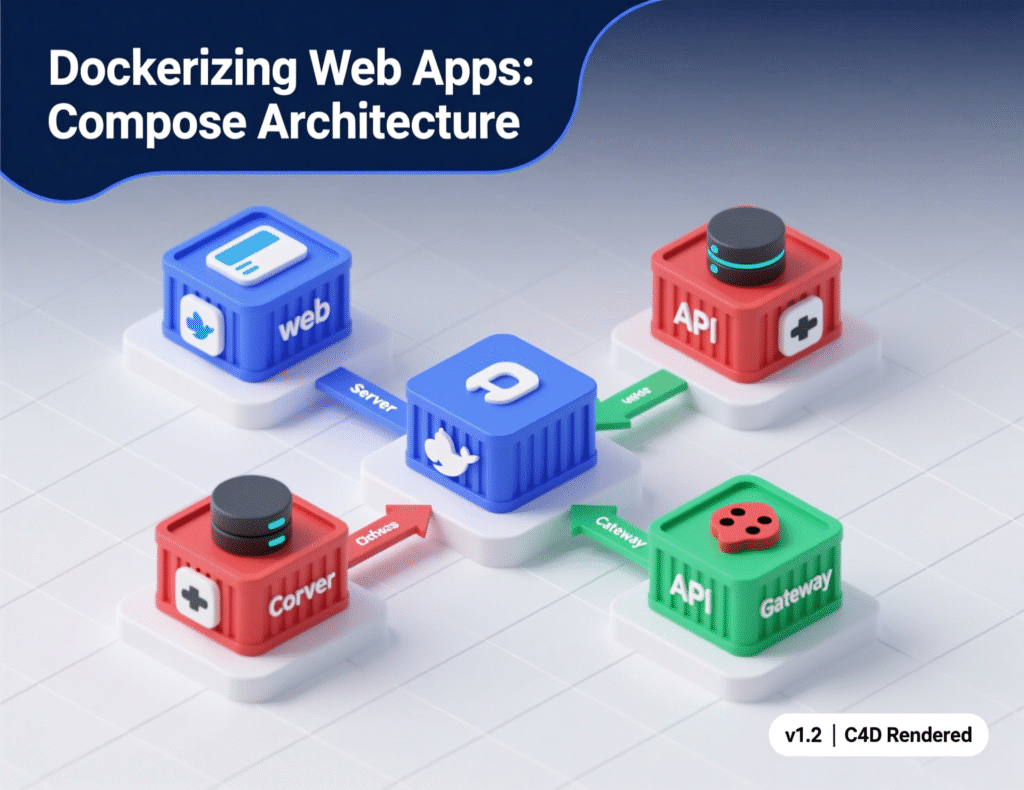
Conclusion
Dockerizing Web Apps isn’t about chasing trends; it’s about repeatability, speed, and safety. With BuildKit, multi-stage builds, .dockerignore, and Compose v2, teams standardize local dev, accelerate CI, and reduce production risk. Add security basics (non-root users, vulnerability scanning via Docker Scout), and you’ve got a production-ready foundation that scales from a single service to microservices. Start by applying two or three practices here—multi-stage builds, .dockerignore, and image scanning—and you’ll see immediate benefits in reliability and developer happiness. Then iterate: cache exports, distroless bases, and CI integration. The result: Dockerizing Web Apps that are fast to build, safe to run, and simple to ship.
CTA: Want a hands-on review of your Dockerfiles and Compose setup? Book a free 30-minute teardown and leave with a prioritized action plan.
FAQs
Q1 : How do I start Dockerizing Web Apps if my codebase is huge?
A : Begin with a .dockerignore to shrink build context, then introduce a minimal multi-stage Dockerfile. Validate locally using Compose v2. This often delivers 70–90% of the speed/size gains without major refactors.
Q2 : How can I make builds faster without changing code?
A : Enable BuildKit (default on recent Docker), use cache mounts for package managers, and order layers for maximum cache hits.
Q3 : How do I keep secrets out of images?
A : Never copy .env into the image. Use secret mounts or inject secrets at runtime via your orchestrator or CI/CD. Add secrets and large files to .dockerignore.
Q4 : How secure is Dockerizing Web Apps by default?
A : Security improves with small, minimal images, non-root users, and continuous scanning (Docker Scout/Trivy). Hardening needs to be deliberate.
Q5 : How does Compose v2 differ from docker-compose?
A : Compose v2 is integrated into the Docker CLI; use docker compose. It’s the recommended command moving forward.
Q6 : How do multi-stage builds reduce vulnerabilities?
A : They strip build tools and dev dependencies from the final image, reducing packages and potential CVEs.
Q7 : How can I scan images in CI?
A : Use Docker Scout CLI (docker scout cves <image>) or Trivy as a CI step, failing builds on high CVEs.
Q8 : How do I handle static assets (React/Vite) when Dockerizing Web Apps?
A : Build them in a build stage, then copy compiled assets into a lightweight runtime (Node server, Nginx, or your backend service).
Q9 : How can I persist data across container restarts?
A : Use named volumes for databases and stateful services in Compose or your orchestrator.