


Choosing Web-Safe Fonts with Global Language Support
Choosing Web-Safe Fonts with Global Language Support
Choosing Web-Safe Fonts with Global Language Support
Modern interfaces must render clearly across scripts Latin, Cyrillic, Arabic, Devanagari, and CJK—without shipping bloated font files. The right web-safe fonts strategy balances coverage, performance, and brand. In this guide, you’ll learn how to combine system UI fonts, targeted open-source families (like Noto), and robust CSS fallbacks to achieve reliable global language support while keeping pages fast. We’ll cover practical stacks, :lang() targeting, unicode-range subsetting, WOFF2 delivery, and testing tips so you can ship multilingual UIs that “just work” everywhere. We’ll also show where web-safe fonts shine and when you should load custom type.
Key references in this article come from MDN (font-family, generics, unicode-range, font-display), W3C i18n notes, Google’s Noto project, and Can I Use for WOFF2 support.
Why “web-safe” still matters in a global context
“Web-safe” commonly refers to fonts that are preinstalled on most devices or generic families like serif/sans-serif. These are dependable fallbacks and render instantly because no network download is required. When audiences span multiple writing systems, web-safe fonts reduce blank “tofu” boxes while custom web fonts load, and they ensure text stays readable even if custom fonts never arrive (network failure, content blockers). MDN’s font-family guidance recommends prioritized lists plus generics for resilience.
The building blocks of a global font stack
Start with system-ui for speed and native feel
The system-ui generic maps to the platform’s UI font (e.g., San Francisco on Apple platforms, Segoe UI/Segoe UI Variable on Windows, Roboto/Noto on Android). Using system-ui first gives instant rendering and aligns with OS typography that already handles many scripts.
Add script-targeted fonts for coverage
Even strong UI fonts may not cover all scripts or regional glyph conventions. Google’s Noto family aims to cover ~1,000+ languages and 150+ writing systems, with dedicated families like Noto Sans CJK, Noto Naskh Arabic, Noto Sans Devanagari, etc. Use language-specific families via :lang() to respect regional preferences and reduce “ransom note” mismatches. W3C+3Google Fonts+3Wikipedia+3
Retire outdated pan-Unicode assumptions
Historically, teams leaned on Arial Unicode MS for “one font covers everything.” Microsoft removed it from Office years ago due to licensing and suitability issues; it’s not included with Windows and shouldn’t be relied upon for the web. Prefer script-specific families like Noto or platform defaults instead.
Performance: deliver fonts the modern way
Use WOFF2 as your primary format; it’s widely supported and smaller than WOFF/TTF. Provide WOFF as a legacy fallback only if necessary.
Apply
font-display: swapso text uses web-safe fonts immediately, swapping to web fonts when ready (no invisible text).Subset with
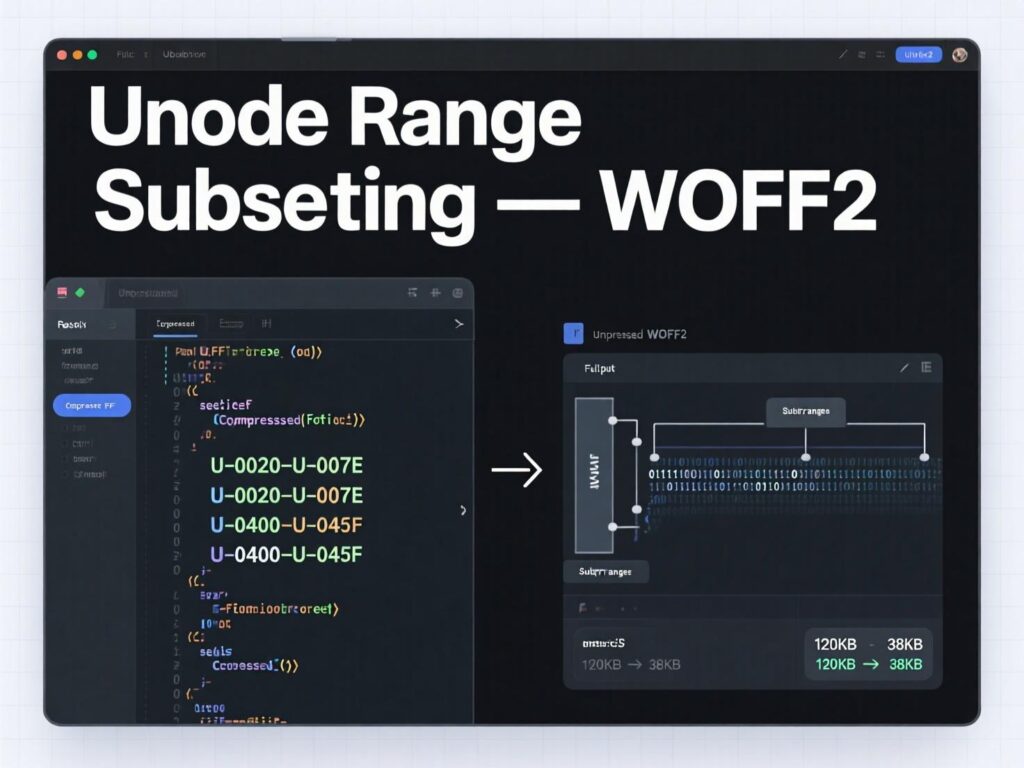
unicode-rangeto serve only needed glyphs per script—e.g., Latin vs. CJK subsets. This reduces downloads and still preserves coverage.Align metrics with
size-adjustand metric overrides to prevent layout shift when swapping from fallback to web font.
Example:
Practical stacks you can use today
Baseline multilingual UI stack (fast & safe)
This favors web-safe fonts first, with script-aware overrides.
Editorial / reading-heavy sites
Use a readable serif with strong global coverage; pair with web-safe fonts as fallbacks.
Data-dense dashboards
Use neutral, space-efficient sans families; rely on web-safe fonts for speed and clarity.
(Inter/Roboto provide Latin/Greek/Cyrillic; Noto fills remaining scripts.)
Handling emoji and special glyphs
Include color-emoji fonts late in the stack to ensure consistent emoji rendering across platforms:
Feature checklist for internationalized typography
Always end stacks with a generic (
serif,sans-serif,monospace) for guaranteed rendering.Prefer WOFF2, fall back to WOFF when necessary.
Use
:lang()to target language-specific fonts and spacing rules.Subset with
unicode-rangeto reduce payload.Use
font-display: swapto avoid invisible text.Consider
size-adjustto tame CLS on font swap.
Two quick case examples (real-world patterns)
Global SaaS dashboard
Team ships withsystem-uifirst and language-targeted Noto subsets viaunicode-range. Result: instant first render using web-safe fonts, consistent CJK via Noto, and minimal layout shift due tosize-adjust. (Qualitative pattern; verify metrics in your own lab with Lighthouse.)Editorial site in Arabic + English
Base stack uses Noto Serif for Latin with:lang(ar)overriding to Noto Naskh Arabic.font-display: swapensures web-safe fonts render immediately, then the page swaps to high-quality script-specific faces.
(These patterns align with MDN, W3C i18n guidance, and the Noto project.)
Common pitfalls to avoid
Relying on Arial Unicode MS as a universal fallback. It’s no longer shipped in Microsoft Office and isn’t suitable for modern coverage.
Shipping huge “all-glyph” files. Subset by script with
unicode-range.Skipping the generic fallback. Always include
serif/sans-serifat the end.
Testing your global coverage
Audit content languages (current + future locales).
Map scripts to fonts (system UI + Noto families).
Render sample pages with lorem text for each script.
Simulate slow 3G to confirm fast text render via web-safe fonts.
Measure CLS/LCP with/without size-adjust.
Check OS fallbacks (Windows Segoe UI Variable, Apple PingFang/Hiragino guidance for CJK as needed).
Localization buckets (GEO tips)
US
Favorsystem-ui, Segoe UI/Roboto; include Noto families for non-Latin.UK
Similar to US; prioritize readability in news/editorial layouts with Noto Serif + web-safe fonts.India
Ensure Devanagari/Gujarati/Bengali via Noto Sans subsets and targeted:lang()rules; keep WOFF2 + swap.
Bottom Lines
A global typography strategy doesn’t need to be complex. Start with web-safe fonts (system-ui + generics) to guarantee instant, legible rendering. Layer in script-specific Noto families using :lang() and unicode-range for coverage, ship WOFF2 with font-display: swap, and harmonize metrics with size-adjust. This blend preserves speed, readability, and brand voice across locales—without shipping megabytes of type. If you need help assembling a stack for your languages, use the checklists and code above, test under throttling, and iterate.
CTA: Want a custom, locale-by-locale font plan and CSS starter for your site? Get in touch and we’ll blueprint stacks, subsetting, and delivery tailored to your audience.
FAQs
1) How do I choose web-safe fonts that work worldwide?
A . Start with system-ui for instant rendering, add Noto families for target scripts (e.g., JP/SC/TC/KR/AR), end with a generic (sans-serif/serif). Use :lang() to switch fonts per language and unicode-range to ship only needed glyphs. Enable font-display: swap for fast text.
2) How does :lang() help multilingual sites?
A . It matches elements by language so you can assign script-appropriate fonts (e.g., Noto Sans Arabic for Arabic). It improves readability and respects regional typographic norms.
3) How can I avoid layout shift when fonts swap?
A . Use font-display: swap to render immediately, then size-adjust and metric overrides to align fallback and final font metrics, reducing CLS.
4) Are web-safe fonts enough on their own?
A . For many Latin-only sites, yes. For global audiences, combine web-safe fonts with script-specific families like Noto to avoid missing glyphs and mismatched styles
5) What’s the best format to serve web fonts in 2025?
A . Serve WOFF2 first; it’s widely supported and compact. Optionally include WOFF as fallback for older browsers.
6) How do I handle emoji consistently?
A . Add system emoji fonts late in the stack: "Apple Color Emoji", "Segoe UI Emoji", "Noto Color Emoji". This ensures colorful emoji on major OSes
7) What’s wrong with Arial Unicode MS as a fallback?
A . It’s no longer bundled with Office and isn’t maintained for modern coverage. Prefer Noto/script-specific families.
8) How can I limit font payload for CJK?
A . Subset by script with unicode-range and serve only CJK subsets to pages that need them; apply :lang() to load selectively.
9) How do web-safe fonts affect performance metrics?
A . They render immediately, helping FCP/LCP, while swap avoids FOIT. Maintain visual stability with size-adjust to control CLS when custom fonts arrive.