


Core Web Vitals
If your site still “just misses” the green bars, this guide is for you. In 2025, Core Web Vitals measure three things users feel immediately: how fast the main content appears (LCP), how stable the page is (CLS), and how quickly it reacts to input (INP). The rules changed last year when INP officially replaced FID, and the easy wins many teams overlook are now different and simpler than you might think. web.dev+1
Most teams already compress images and toggle a lazy-load plugin. Yet they still fail Core Web Vitals due to a handful of small mistakes: lazy-loading the hero image, not prioritizing the right resources, fonts that cause layout shifts, long-running JavaScript, and ads/embeds that shove content around. Below are the practical fixes that consistently move real-world metrics from “almost” to “good”—with references and code you can ship today.
Core Web Vitals in 2025: thresholds & what changed
LCP (Largest Contentful Paint):
Good ≤ 2.5 s; needs improvement 2.5–4.0 s; poor > 4.0 s.INP (Interaction to Next Paint):
Good ≤ 200 ms; needs improvement 200–500 ms; poor > 500 ms. (INP replaced FID on March 12, 2024.)CLS (Cumulative Layout Shift):
Good < 0.1; needs improvement 0.1–0.25; poor > 0.25.
Google’s own docs reiterate that these metrics are based on field data (real users) and that Search Console’s Core Web Vitals report groups URLs by their worst metric at the 75th percentile on mobile and desktop.
LCP wins most developers miss (and how to ship them)
Don’t lazy-load the LCP image. Prioritize it instead.
If your hero image is the LCP element, never lazy-load it. Add fetchpriority="high" on the <img> and consider preloading responsive candidates. This alone can shave hundreds of milliseconds off LCP. Google’s Flight test shows ~0.7 s LCP improvement when prioritizing the hero.
Why it works: preloading + fetchpriority tells the browser to fetch the right hero file sooner and schedule it above less-critical assets.
Use Early Hints (103) to start work before TTFB
If you control your CDN, enable 103 Early Hints and send preload/preconnect for the hero image, CSS, and font domains. Cloudflare and Chrome case studies show ~30–33% improvements to LCP/FCP in some setups (results vary—test on mobile).
Preconnect + preload fonts correctly (or they’ll be fetched twice)
Preconnect to your font origin with crossorigin, then preload WOFF2 files you actually need above the fold. Missing crossorigin causes the browser to ignore or double-fetch the preloaded font. Use font-display: optional or swap depending on your tolerance for FOIT/flash of swap.
Trim the critical-CSS and unblock rendering
Inline only what’s truly critical; push the rest to a non-blocking stylesheet. This shortens render-blocking time so the LCP element can paint earlier. (See Google’s LCP guide for common pitfalls.)
Choose AVIF/WebP for the LCP image and avoid transitions
Heavy hero images and CSS transitions on the LCP element are frequent offenders; Shopify measured up to 6 s LCP improvements by removing image transitions.
CLS wins most developers miss
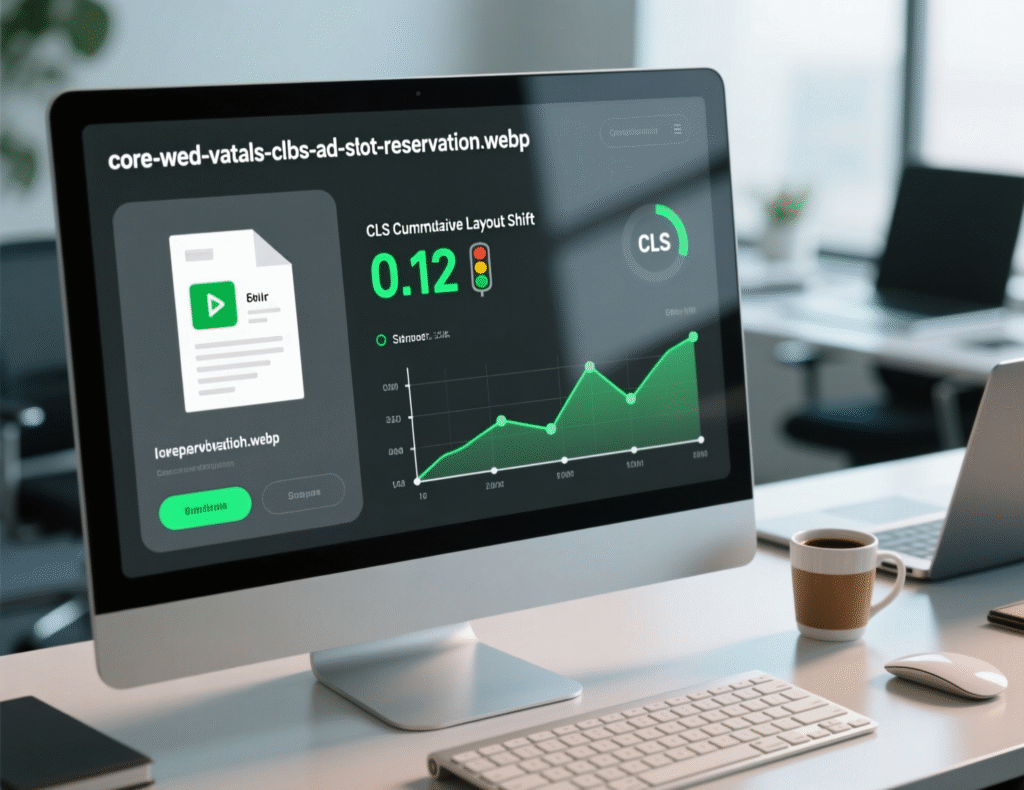
Reserve space for ads, embeds, and dynamic UI
The only guaranteed way to prevent ad-induced CLS is to reserve space for each slot (set explicit dimensions or aspect-ratio). Avoid collapsing slots if no ad returns—show a placeholder instead.
Real-world: Telegraph reduced shifts by reserving typical ad heights for multisize zones.
Always set width/height (or aspect-ratio) for images/video
Modern browsers use intrinsic sizes to allocate space and avoid shifting as assets load. Make this a lint rule across your components.
Stabilize fonts
Wrong font strategy = CLS spikes. If using custom fonts, combine preload + font-display and match fallback metrics to reduce re-flow. (Chrome and web.dev detail how optional can avoid re-layout entirely in some cases.)
Don’t inject content above existing elements
Avoid banners that push main content down post-load. If necessary, reserve space from the start or overlay non-layout-affecting elements.
INP wins most developers miss
Break up long tasks (yield early, yield often)
Long tasks block the main thread so interactions queue up. Split work with setTimeout(), requestIdleCallback(), or the new scheduler.yield() to let the UI paint between chunks. Trendyol cut INP by 50% using this strategy; Chrome’s guidance formalizes the pattern.
Use passive event listeners & event delegation
Marked passive, scroll/touch handlers don’t block scrolling; delegation reduces the number of listeners and handler cost. Lighthouse audits for this specifically.
Render less during startup with content-visibility
For long pages or feeds, content-visibility: auto skips layout/paint for off-screen content—reducing initial render work and improving responsiveness. Pair it with contain-intrinsic-size.
Ship less JS, especially third-party bloat
Script evaluation itself creates long tasks. Audit and defer non-critical third-party scripts; split bundles; avoid synchronous hydration spikes.
Field vs. lab: read the right data (and in the right order)
Search Console → Core Web Vitals report for field results at p75, grouped by template/URL pattern. Fix what’s red for the most users first.
PageSpeed Insights/Lighthouse for lab debugging (what to change and why).
CrUX vs. your RUM: CrUX is Chrome-only; complement it with your own RUM to capture all browsers and geos.
Two quick case studies
Prioritizing the hero (fetchpriority/early preload)
In a Google Flights test, elevating the hero image priority cut LCP from 2.6 s → 1.9 s (-700 ms). Teams often forget to add fetchpriority="high" to the LCP <img> or to preload responsive candidates.
Breaking up tasks for faster input response
Turkey’s marketplace Trendyol reduced INP by ~50% through yielding main-thread work and scheduling state updates more intelligently.
The “missed wins” checklist (copy/paste into your PR)
LCP image not lazy-loaded and has
fetchpriority="high"; responsive candidates preloaded withimagesrcset/imagesizes.103 Early Hints enabled; preconnect/preload hero, CSS, and font origins.
Font origin preconnected with
crossorigin; critical fonts preloaded as WOFF2; sensiblefont-display.All images/iframes sized (width/height or
aspect-ratio); ad/embeds slots have reserved space and placeholders.Long tasks split; passive listeners; event delegation; less third-party JS.
content-visibility: autoon off-screen heavy sections; test with RUM + CrUX.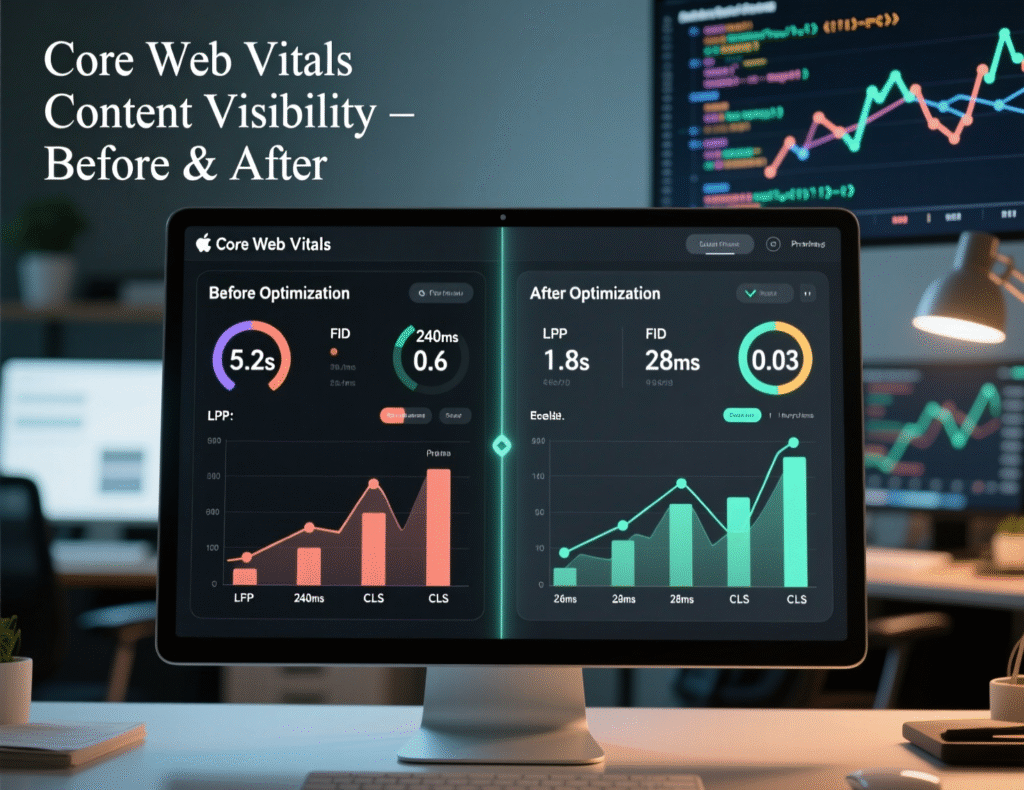
Final Words
You don’t need a rewrite to pass Core Web Vitals. Most failing pages can reach “good” by prioritizing the LCP image, reserving space for dynamic content, fixing font strategy, breaking long tasks, and rendering less at startup. These are small, testable changes that stack. Ship two or three per sprint, re-measure at p75, then iterate. That’s how teams consistently turn red bars green—without heroics.
CTA: Want an engineer-ready audit with a 2-week fix plan? Reply “AUDIT” and I’ll map your top templates to specific LCP/INP/CLS pull requests.
FAQs
Q : How do I know which element is my LCP?
A : Use PageSpeed Insights, Lighthouse, or DevTools Performance panel; each highlights the current LCP candidate. Tools like DebugBear also annotate the exact element. Fix that element first.
Q : How can I improve INP without a framework rewrite?
A: Break up long tasks, yield with scheduler.yield() where supported, make handlers passive, and remove/deferr third-party scripts on route load. These reduce input delay and paint latency quickly.
Q : How does font loading affect CLS?
A : Late web-font swaps can move text. Preconnect to the font origin, preload above-the-fold fonts, and use font-display: optional or swap to minimize layout shifts.
Q : How can Early Hints help Core Web Vitals?
A : 103 Early Hints lets the browser start fetching critical resources (CSS, hero, fonts) before your server finishes thinking, improving LCP/FCP in some contexts—especially desktop. Test on your traffic.
Q : How do I stop ads from causing CLS?
A : Reserve space with fixed dimensions or aspect-ratio, don’t collapse empty slots, and load off-screen when possible. This is Google’s recommended approach.
Q : How can I diagnose slow interactions in the lab?
A : Use DevTools Performance; look for long tasks overlapping interactions, heavy timers, and sync work during input. Lighthouse flags problematic listeners too.
Q : How does content-visibility improve performance?
A : It skips layout/paint for off-screen DOM until near viewport, reducing initial render work and improving responsiveness—useful for feeds and long pages.
Q : How often should I check Core Web Vitals after fixes?
A : RUM stabilizes over days. Re-check Search Console weekly and monitor your own RUM daily after shipping fixes to see p75 trend changes.
Q : How can I preload responsive images properly?
A: Use <link rel="preload" as="image" imagesrcset="…" imagesizes="…"> so the browser can preload the correct candidate before encountering.