


Headless Commerce
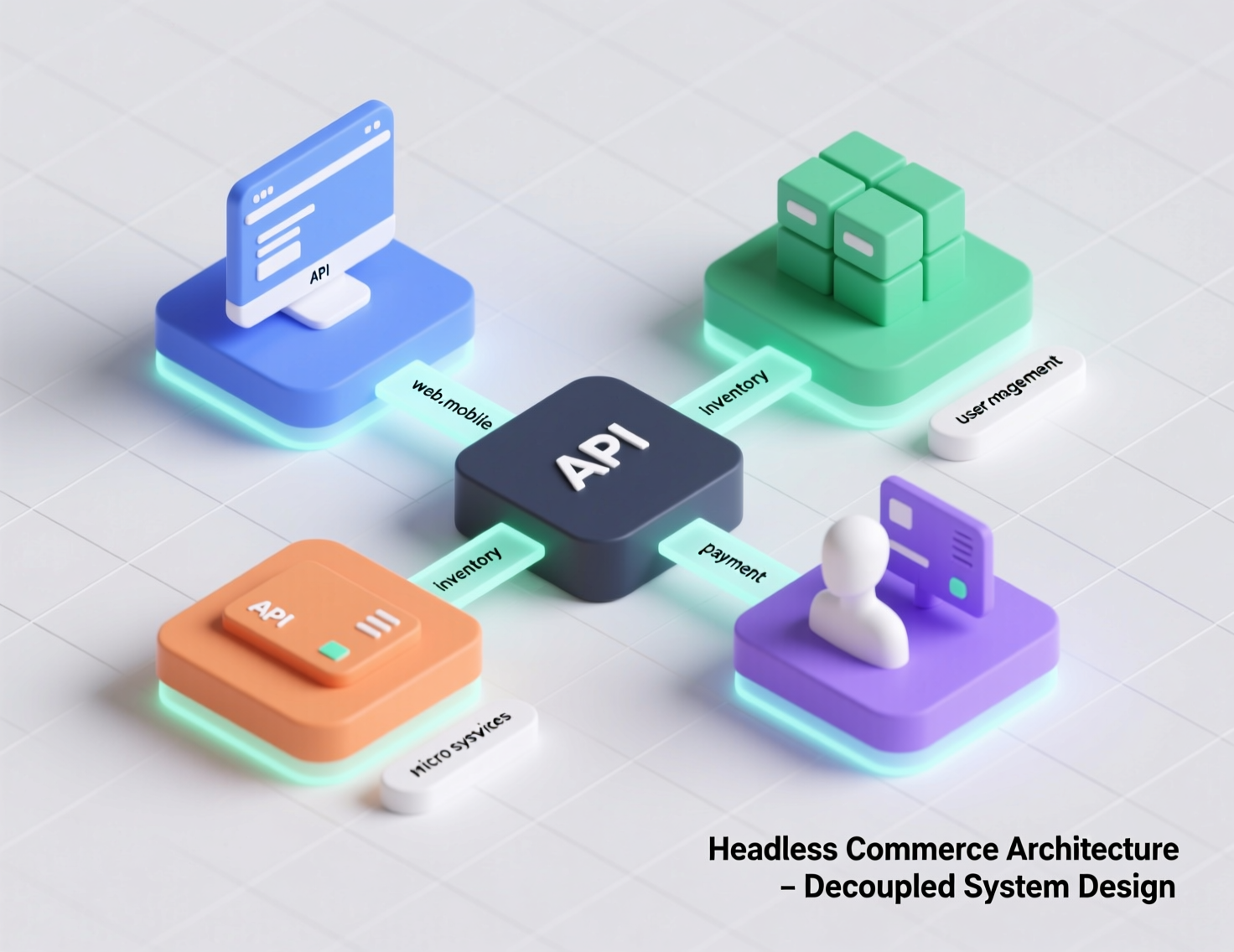
If your ecommerce roadmap is bumping into theme limits, page-speed bottlenecks, or “can’t ship because the platform won’t let us,” you’re probably hearing a lot about headless commerce. In plain terms, headless commerce separates the customer-facing front end from the commerce back end and connects them with APIs. That separation lets teams ship UX changes without touching core commerce logic, assemble best-of-breed services, and scale globally without dragging a monolith along for the ride. Leading platforms define it the same way: the frontend experience is decoupled from the backend order, product, and checkout services via APIs.
But headless is not a free lunch. It trades vendor simplicity for flexibility, and with flexibility comes ownership—of your architecture, performance budget, and DX (developer experience). This guide shows when headless commerce is a fit, when it isn’t, and how to decide if/when to decouple your storefront in 2025—using real-world examples and a step-by-step evaluation.
Headless Commerce vs. Monolithic Platforms
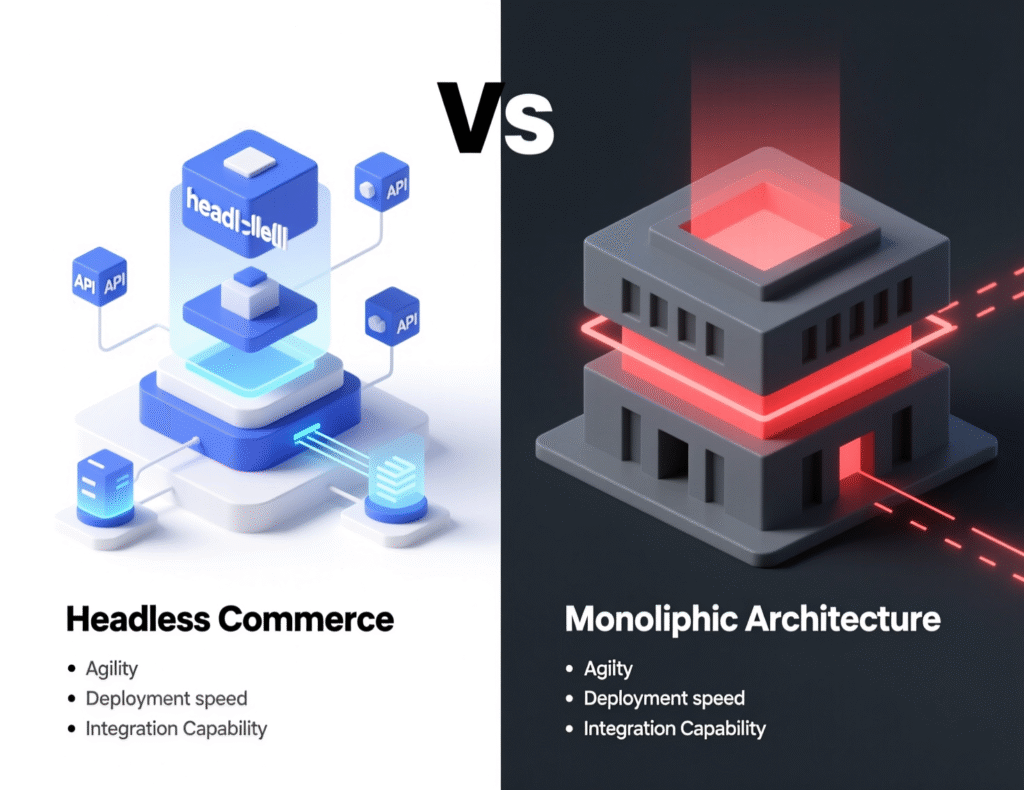
Traditional, theme-based platforms bundle everything—templates, checkout, CMS, catalog—into a single system. That’s convenient until you need custom UX, multiple frontends (web, apps, kiosks), or specialized services (search, PIM, personalization). Headless commerce keeps your backend platform (orders, products, promotions, payments) but swaps the theme layer for a custom frontend (e.g., Next.js/Hydrogen) that talks to the backend over APIs. Authoritative guides from BigCommerce and Shopify outline this separation and why it speeds delivery by letting frontend and backend evolve independently. BigCommerce+1
Composable commerce goes further: you assemble a stack of independent, API-first services (e.g., commercetools + Contentful + Algolia + Stripe). This “MACH” approach Microservices, API-first, Cloud-native, Headless—is championed by the MACH Alliance.
Signs You’re Ready to Decouple the Storefront
Consider moving to headless commerce when the following are true.
UX roadblocks
Your growth plan depends on richer UX, but the theme/templating system won’t allow it without hacks.Multi-frontends/channels
You need web, apps, in-store displays, or regional storefronts with shared services.Performance targets
Sub-second LCP/TTFB goals require a modern rendering stack and edge delivery strategy.Rapid experimentation
Marketing and product teams need to ship page changes, A/B tests, and new layouts weekly.Best-of-breed stack
You want specialized CMS, search, PIM, or personalization that plugs in cleanly via APIs.Internationalization
You’re launching multiple locales/currencies with different content and merchandising rules.
Industry resources consistently highlight these benefits as the core drivers for headless adoption.
When You Should Not Go Headless
Stay on your monolith (or postpone) if:
Limited dev capacity
You don’t have (or can’t hire) a team to own a custom frontend and integrations.Simple catalog + single region
Your needs fit well within your current platform’s theme and apps.No clear performance/UX goals
Headless commerce is a means to an end not a strategy by itself.Budget misalignment
Initial build and ongoing ops (observability, hosting, CDNs, QA) don’t pencil out.
Business Outcomes: What Evidence Says
Bang & Olufsen moved to a headless stack (Contentful + commercetools) and reported 60% conversion uplift, faster loads (from ~16–20s to 3–4s), and higher AOV.
Aggregated case studies report notable improvements across conversion, bounce rate, and Lighthouse performance after headless implementations specific figures vary by brand and execution.
These prove headless commerce can drive growth when tied to performance and UX improvements, not just architecture for its own sake.
Architecture Snapshot: A Typical Headless Stack
Backend commerce
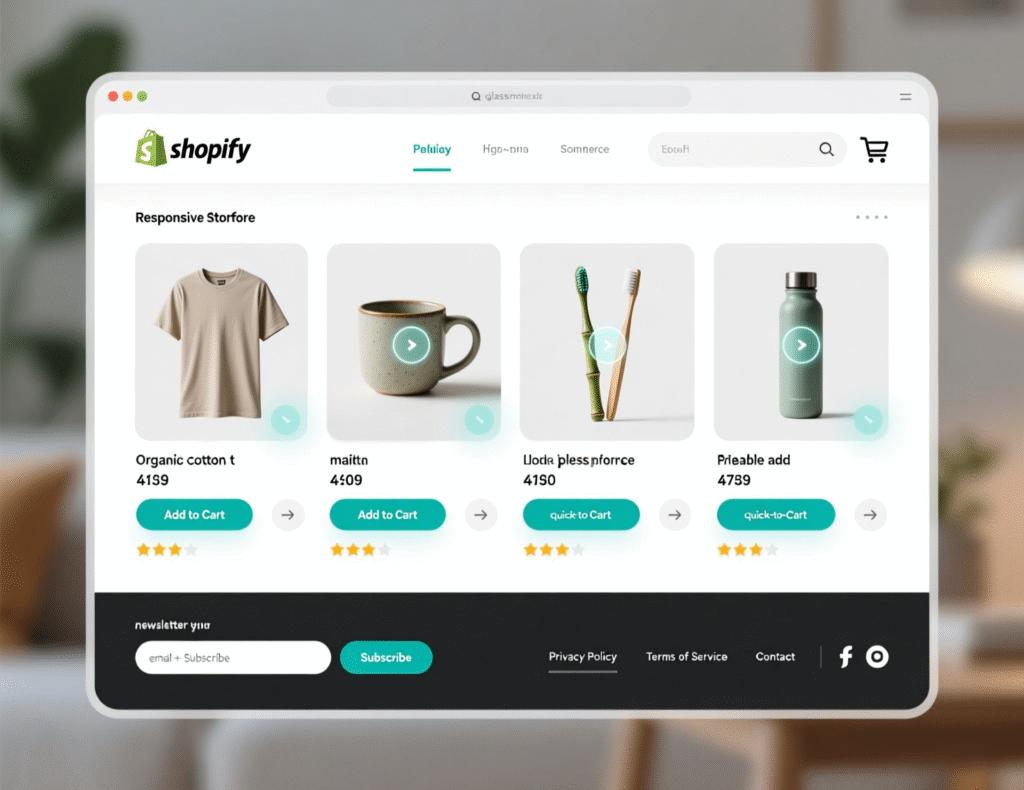
Shopify (Storefront API/Hydrogen), BigCommerce (Storefront APIs), or commercetools.Frontend:
React/Next.js (including Shopify Hydrogen), deployed to edge runtimes/CDNs.CMS
Contentful (or similar) for modular content and localization.Search/Personalization:
Algolia or equivalent.Payments
Stripe/Adyen native integrations.Observability
RUM, APM, and synthetic monitoring baked into CI/CD.MACH principles
Guide selection and interoperability.
Cost & Timeline: The Realistic View
Build: Expect higher upfront cost vs. a theme rebuild due to custom frontend, integration work, and QA.
Run: You’ll manage more vendors (hosting, CMS, search, image/CDN). Net cost can be neutral or higher depending on scale but buys flexibility and speed to market.
ROI drivers: Faster pages, higher mobile CR, richer merchandising, and faster iteration cycles. Benchmarks and case studies attribute lift primarily to performance and UX gains, not the architecture label itself.
Decision Framework: Is Headless Commerce Right for You?
Score each dimension 1–5; totals ≥18 usually justify decoupling.
UX Ambition – Do you need experiences your theme simply can’t deliver?
Performance Mandate – Are you targeting sub-1s LCP on mobile and significant CWV gains?
Channel Complexity – Multiple frontends, apps, embedded storefronts, or regional stores?
Team Readiness – Frontend+API skills, CI/CD, observability, and ownership mindset?
Integration Needs – Best-of-breed CMS/PIM/search with API-first contracts required?
Internationalization – Multi-locale content, currency, tax, and merchandising logic?
Budget & Timeline – Capex for build and opex for ops/tooling approved?
If your score is borderline, consider a progressive headless pilot: carve out a marketing CMS and a single landing-to-PLP flow first.
Migration Patterns (With Pros & Cons)
1) Frontend-First (Keep Backend)
What: Build a new Next.js/Hydrogen frontend; integrate via Storefront/GraphQL APIs.
Pros: Fastest path to performance; minimal backend change.
Cons: Data stitching, SEO parity, and edge caching require careful planning.
2) Composable Replatform
What: Replace commerce core (e.g., move to commercetools or BigCommerce), plus CMS/search.
Pros: Full MACH benefits, vendor flexibility.
Cons: Highest complexity; needs strong product/engineering alignment.
3) Hybrid/Incremental
What: Keep monolith for checkout/orders; route content+catalog to a headless frontend.
Pros: Lower risk; preserves stable flows.
Cons: Two rendering paths to maintain.
SEO & AEO Considerations
CWV first: Build for LCP/INP/CLS with edge-rendering and media optimization.
Routing parity: Preserve URLs, canonical tags, hreflang, and redirects to avoid rank loss.
Structured data: Article/FAQ/HowTo JSON-LD for AEO (Generative/Ai search) answers.
Content velocity: A headless CMS enables frequent updates without deploys—use it.
BigCommerce and Shopify guides emphasize that decoupling enables faster iteration and performance both vital to SEO.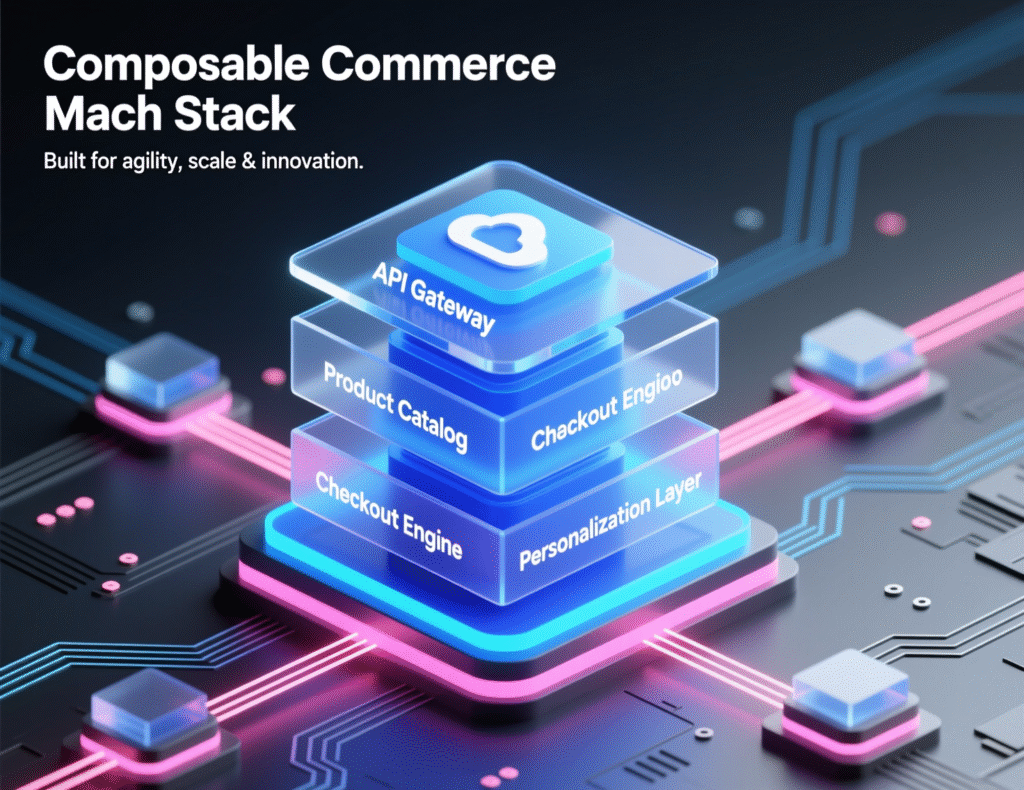
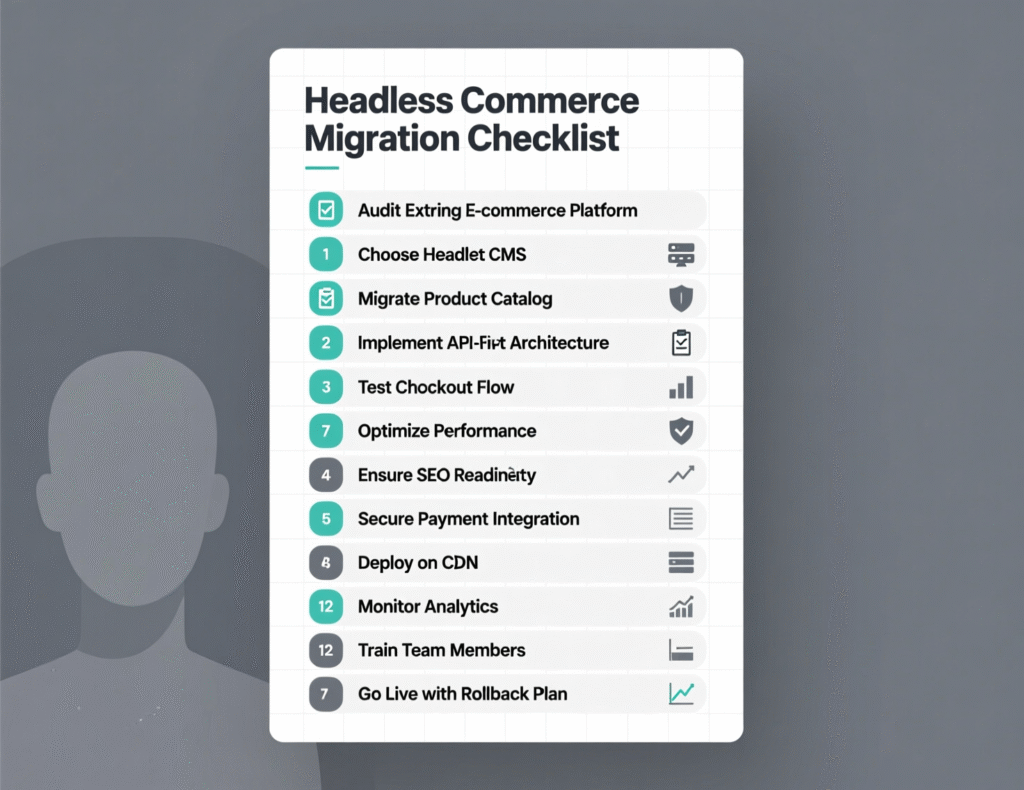
Implementation Checklist (90-Day Plan)
KPIs – Define baseline and targets: LCP, CR, AOV, revenue per session.
RACI – Assign product/engineering/merch/SEO owners.
MACH Fit – Confirm services, SLAs, and pricing (CMS, search, PIM, payments).
Architecture – Decide SSR/ISR/Edge strategy; image/CDN plan.
Content Model – Build CMS types and localization strategy.
SEO Parity – Migrate metadata, structured data, and redirects.
Performance Budgets – Enforce in CI; monitor with RUM/APM.
Pilot – Ship one region or one category; measure vs. control.
Rollout – Staged cutover with feature flags and error budgets.
Case Studies (Brief)
Bang & Olufsen (Luxury Audio)
Stack: Contentful + commercetools + custom frontend. Reported 60% conversion uplift, 2× cart-to-checkout progression, and significantly faster loads. Takeaway: performance + content velocity drove the gains.
Hydrogen Example Stores (Shopify Headless)
Brands using Hydrogen focus on performance and custom experiences for scale and speed to market Hydrogen is built for custom React storefronts with server components and optimized data fetching. Takeaway: theme limits disappear, but teams must own DX/observability.
Common Pitfalls (and Fixes)
Scope creep: Start with a narrow pilot.
Over-composable: Don’t add vendors without ROI.
SEO regression: Freeze URL structure and validate parity in staging.
Slow builds: Use incremental static regen, selective revalidation, and edge caching.
Governance gaps: Create performance budgets and content governance early.
Final Words
Headless commerce isn’t a silver bullet; it’s an enabler. If your growth plan depends on faster UX iteration, multi-channel experiences, and strict CWV goals, decoupling your storefront can unlock measurable gains. If your catalog is simple and your team is small, stick with the monolith a bit longer—or pilot progressively. Start with KPIs, ship a focused use case, and let the results, not the hype, guide the next step. Resources from major platforms and the MACH Alliance back these practices; your mileage depends on execution quality.
CTA: Want help scoping a low-risk headless pilot? Grab our 30-minute assessment template and we’ll map a 90-day plan tailored to your stack.
FAQs
Q1 : What is headless commerce?
A : Headless commerce separates the frontend experience from backend commerce services and connects them via APIs. This lets teams change the UI without altering orders, products, or checkout logic, and integrate best-of-breed services on demand.
Q2 : How does headless commerce improve performance?
A : Modern frameworks, edge rendering, and optimized asset delivery reduce LCP/INP, which correlates with higher conversions. Real-world case studies attribute conversion lifts to performance and UX gains achieved during headless migrations.
Q3 : How do I know if my brand should go headless?
A : If you need custom UX, multiple channels, faster iteration, or deep integrations—and your team can own a frontend and APIs—headless is worth piloting. Use the scoring framework above to decide.
Q4 : How much does a headless build cost?
A : Budgets vary widely by scope and vendor mix; costs include frontend build, CMS/search integrations, hosting, and observability. Many teams begin with a pilot (one region/category) to validate ROI before a full rollout.
Q5 : How long does migration take?
A : A focused pilot can ship in 8–12 weeks; full composable replatforms can run quarters. The critical factor is limiting scope and protecting performance budgets.
Q6 : How does headless commerce affect SEO?
A : Done correctly, SEO improves from better CWV and content velocity. Ensure URL parity, structured data, and redirects are preserved, and ship with RUM/APM to catch regressions.
Q7 : How can small teams manage a headless stack?
A : Start hybrid: keep your current backend and introduce a headless CMS + new frontend for one slice of the site. Add services only with clear KPIs.
Q8 : How do composable and headless differ?
A : Headless decouples frontend/back end; composable assembles multiple modular, API-first services for each capability. MACH principles define the approach.
Q9 : How do I mitigate risk in a cutover?
A : Use feature flags, phased rollouts, synthetic monitoring, and SEO parity checks; keep a rollback path.