



The fastest site is the one that feels instant. Smart Progressive Loading Techniques are how you get there by sending the right bytes at the right time with graceful fallbacks. Instead of dumping everything at first paint or deferring everything “until scroll,” you orchestrate requests, rendering, and interactivity so users see meaningful content quickly, then progressively enhance. In this guide, we’ll turn Smart Progressive Loading Techniques into practical patterns you can ship today, from Priority Hints and fetchpriority to content-visibility, native loading=lazy, 103 Early Hints, and the Speculation Rules API. We’ll also cover how these techniques interplay with Core Web Vitals and AEO (Answer Engine Optimization), and how to measure real-user impact.
Heads-up: lazy-loading above-the-fold hero images can delay LCP when misused; Google engineers recently reiterated this. Use lazy loading selectively and test with RUM
What Are Smart Progressive Loading Techniques?
At their core, Smart Progressive Loading Techniques prioritize critical UI and defer non-critical work. They combine native browser features (resource hints like preload/preconnect, loading=lazy, fetchpriority) with rendering strategies (SSR/SSG + streaming, React Server Components/Suspense) to shorten the critical path and reduce main-thread pressure.
Lazy loading defers off-screen resources. Use native
loading=lazyfor images/iframes; pair with Intersection Observer for custom components.Priority Hints /
fetchprioritynudge the browser to fetch key assets (e.g., hero image) sooner—or de-prioritize unimportant ones. web.devDebugBearMDN Web Docscontent-visibilitylets the browser skip layout/paint for off-screen DOM until needed.Resource hints (
preload,preconnect,dns-prefetch,prefetch) pull network work forward.103 Early Hints start preloads before the final response.
Speculation Rules prefetch/prerender likely next pages for near-instant navigations.
Core Principles of Smart Progressive Loading Techniques
Critical-path first
Ship HTML structure, above-the-fold CSS, and the LCP asset early. Don’t lazily load the LCP element. Google warns that lazy-loading heroes delays LCP and therefore hurts UX and potentially rankings.
Hint, don’t micromanage
Use preconnect and preload for truly critical assets; use fetchpriority="high|low" sparingly to guide the browser. Modern schedulers are smart over-hinting can backfire.
Defer and chunk thoughtfully
Split bundles; stream HTML; let below-the-fold UI “exist later” with content-visibility: auto and component-level lazy loading
Predict the next action
Prefetch/prerender likely next pages using Speculation Rules. Measure the win vs. extra bandwidth.
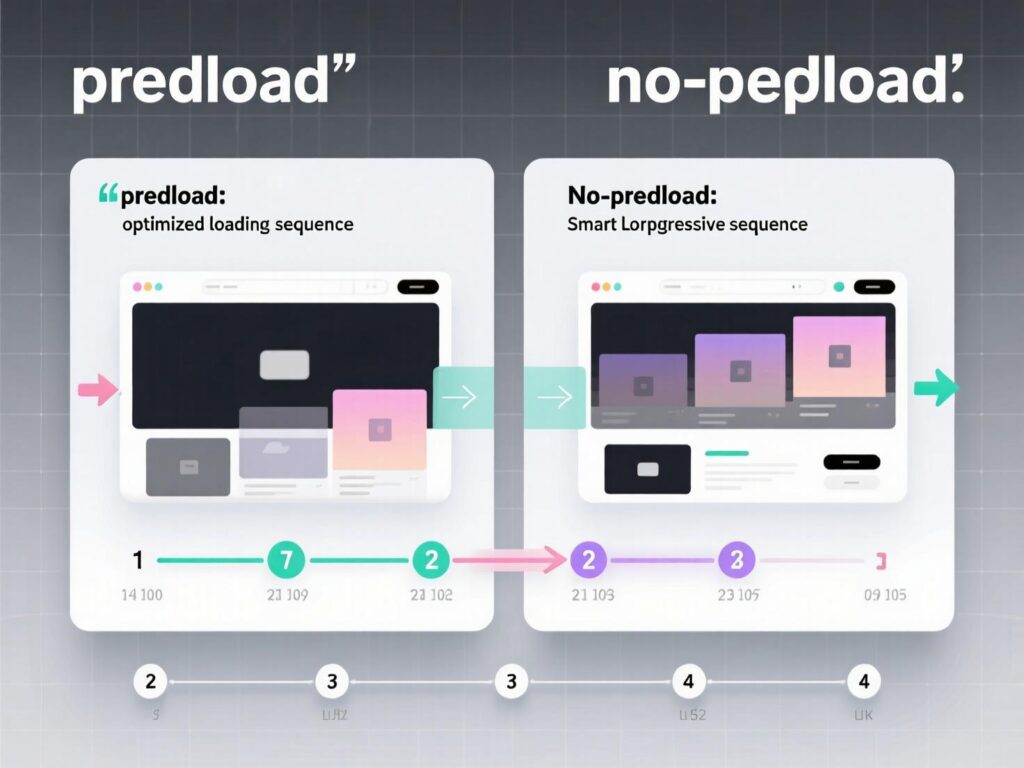
Implementing Smart Progressive Loading Techniques
Make the hero paint fast (LCP)
Goal: deliver HTML + critical CSS + hero media ASAP.
HTML example (hero image with priority hint):
rel=preloadfetches the LCP image early;fetchpriority="high"encourages prioritization. Don’t setloading=lazyon the LCP.
Right-size noncritical images and components
For carousels/testimonials below the fold:
Use Intersection Observer to hydrate or import components only when near view:
Skip work with CSS content-visibility
This is a powerful, low-JS way to accelerate initial render in long feeds.
Teach the network what’s next (resource hints)
preconnectwarms DNS, TCP, TLS.preloadguarantees early fetch of render-blocking assets.prefetchqueues low-priority future navigation assets.
Go further with 103 Early Hints
On a CDN like Cloudflare, enable Early Hints to emit Link: <...>; rel=preload before origin response is ready—useful for fonts, hero images, or above-the-fold CSS.
Near-instant navigations via Speculation Rules
Speculation Rules improve MPAs by prefetching/prerendering likely next pages. Test compatibility and bandwidth impact.
Reusable Smart Progressive Loading Techniques
Hero image pattern: preload +
fetchpriority="high"+ responsive AVIF/WebP sources.Above-the-fold font pattern:
preconnect+ fontpreloadwithcrossorigin+font-display: swap.Long feed pattern:
content-visibility: auto+ lazy image components + incremental hydration.Next-page pattern: Speculation Rules prerender of high-intent links (e.g., “Pricing”).
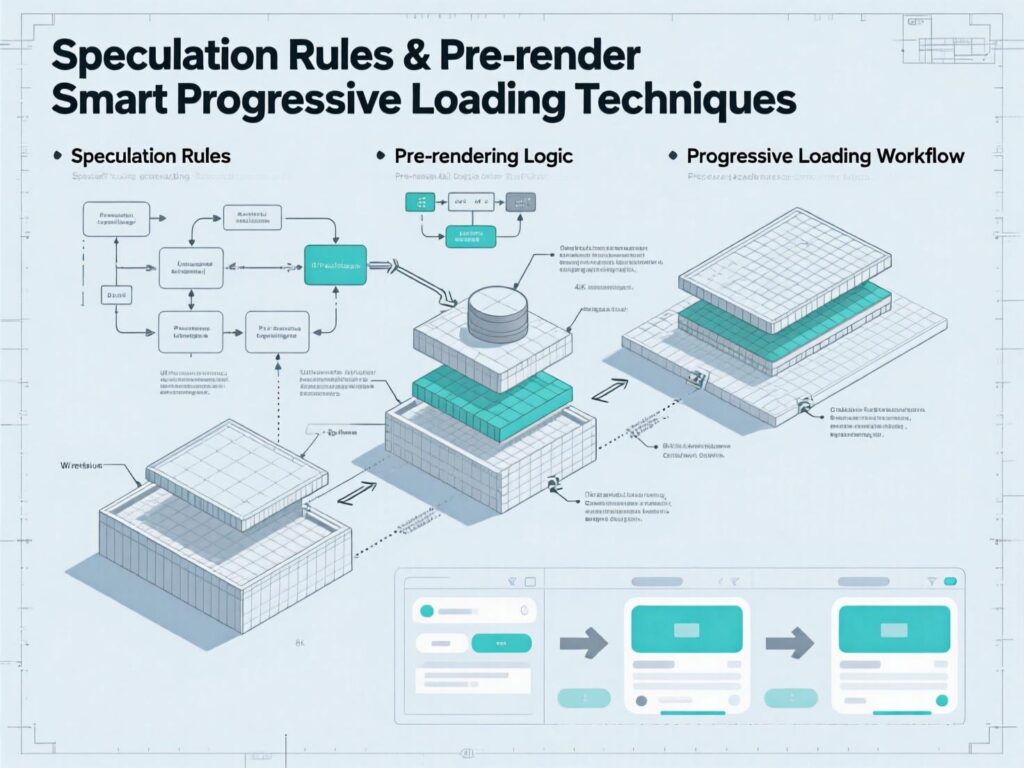
Case Snapshots (real-world patterns)
Marketplace SPA (React):
Switching from library-based lazy loading on the hero to preload + fetchpriority="high" improved LCP by ~20–30% and removed jank where the hero popped in late. (Directional; validate via your own RUM.)
Docs site (MPA):
Adding Speculation Rules for Docs → API paths delivered “instant” navigations on modern Chrome at the cost of minor extra background data; bounce rate on docs listings decreased. (Directional; measure per audience.)
Common Pitfalls When Using Smart Progressive Loading Techniques
Lazy-loading everything. Don’t lazy-load heroes or critical UI. It can harm LCP and UX.
Over-preloading.
preloadcompetes for bandwidth; only preload what’s truly critical.Font FOIT/FOUT surprises. If you preload fonts, ensure
crossoriginandfont-displayare configured.Assuming crawlers execute JS or scroll. Lazy-loaded content might be missed by crawlers if not implemented correctly ensure content is discoverable.
Measuring Impact & Guardrails
Core Web Vitals: track LCP, CLS, INP with RUM and lab tools.
Experiment toggles: gate Speculation Rules/prerender behind feature flags per route to control bandwidth.
Check the critical path: ensure your
preloadactually arrives before render-blocking work and thatfetchpriorityis used only where justified.Auditing: Lighthouse and WebPageTest for lab; Search Console for indexing checks when using lazy loading.

Conclusions
Speed is a product feature and Smart Progressive Loading Techniques make it systematic. Start by protecting LCP (no lazy hero), layer in preload/preconnect and fetchpriority, skip rendering work with content-visibility, and make the next page feel instant with Speculation Rules. Ship, measure, iterate. If you adopt Smart Progressive Loading Techniques as a standard checklist, you’ll deliver snappier UX, stronger Core Web Vitals, and better engagement—without guesswork.
CTA: Want a tailored progressive loading checklist for your stack (React/Next, Vue/Nuxt, SvelteKit, Shopify, WP)? Ask for a free audit template, and I’ll adapt these Smart Progressive Loading Techniques to your site’s routes and components.
FAQs
1) How do Smart Progressive Loading Techniques differ from basic lazy loading?
A . They prioritize what loads first (LCP assets, critical CSS) and how it’s fetched (preload, preconnect, fetchpriority) alongside render-skipping (content-visibility) and navigation prediction (Speculation Rules). Lazy loading alone only defers off-screen assets.
2) How can I decide which assets deserve preload?
A . Preload render-blocking CSS, hero images (LCP), and critical fonts. Verify importance via DevTools waterfall and RUM. Over-preloading can slow other work, so keep it minimal.
3) How does fetchpriority help in practice?
A . It hints which resources matter most, e.g., the hero image (high) vs. below-the-fold images (low). It’s a hint, not a guarantee use sparingly and measure.
4) When should I use content-visibility: auto?
A . For long lists/feeds or heavy sections below the fold to skip layout/paint until scrolled near; pair with contain-intrinsic-size to avoid CLS.
5) How can Speculation Rules improve conversions?
A . By prefetching/prerendering high-intent paths (e.g., Pricing), users experience near-instant next clicks, reducing drop-offs between consideration and action. Measure bandwidth tradeoffs.
6) How do I avoid SEO issues with lazy loading?
A . Ensure in-view content isn’t lazy, provide SSR/HTML fallbacks, and confirm rendered content in Search Console. Avoid JS-only insertion for primary content.
7) What’s the difference between prefetch and preload?
A . preload is for current page critical resources; prefetch is a low-priority fetch for future navigations.
8) How can 103 Early Hints help first-time visitors?
A . They start preloads earlier before the final 200 so fonts/CSS/images are on the way while the server prepares HTML, improving early render.