


AI Coding Copilot Tools: The 2025 Buyer’s Guide
AI Coding Copilot Tools: The 2025 Buyer’s Guide
AI Coding Copilot Tools in 2025: GitHub vs EU-Friendly Options
An AI coding copilot tool is an AI-powered code assistant that understands your natural language prompts and existing project context to suggest entire lines, functions, tests and docs. Unlike classic autocomplete, which matches keywords, an AI coding copilot reasons about your codebase and task so it can generate higher-level, context-aware code rather than just finishing the next token.
Introduction
AI coding copilot tools are AI-powered code assistants that plug into your IDE and help you write, refactor, test and document code faster, using natural language and project context. In 2025, they’ve gone from experimental gadgets to day-to-day developer productivity tools across teams in the US, UK, Germany and the wider EU.
Recent surveys show that more than three quarters of professional developers now use or plan to use AI tools, with around half relying on them daily. At the same time, organisations in San Francisco, London and Berlin are asking: Which AI coding copilot tool should we pick and how do we stay compliant with GDPR, UK-GDPR, HIPAA and sector rules?
In this guide, we’ll compare GitHub Copilot, Codeium, Tabnine, JetBrains AI Assistant and EU-friendly/open-source options. You’ll also get a practical rollout checklist so your team can go from zero to first AI-assisted commit with governance in place.
What Are AI Coding Copilot Tools?
An AI coding copilot is an AI-powered code assistant that understands natural language, project context and existing code to suggest whole lines, functions or tests, going beyond simple autocomplete. In other words, instead of just guessing the next few characters, it behaves like an AI pair programmer that can reason about your task and generate options you review and refine.
Most AI coding copilots combine:
Context-aware code completion across your current file, project and sometimes entire monorepo
Chat-style “natural language to code” queries (“Write a Django view for this endpoint…”)
Refactoring and documentation suggestions based on your existing code
Repo-aware search that can answer “where is X implemented?” or “how is Y used?”
For US SaaS teams in New York or Austin, these tools help ship features faster. For UK fintech startups or German Mittelstand manufacturers, they also need to satisfy analytics, compliance and risk stakeholders which is where deployment models and data handling matter.
From Autocomplete to AI Pair Programming
Classic autocomplete was essentially smart keyword expansion: it looked at your current token and local context to propose completions, but had little understanding of your broader intent.
Modern AI coding copilots act much more like AI pair programming tools. They ingest:
Surrounding code
Project configuration and frameworks
Sometimes your docs and ticket descriptions
Then they generate multi-line suggestions, tests, or even full functions that match your stack (React, Django, Spring, etc.). Terms like “AI code assistant”, “AI copilot for developers” and “AI pair programming tool” all point to this same shift: from token-by-token guessing to semantic, context-aware assistance.
How AI Coding Copilots Work in Modern IDEs
Today’s AI copilots integrate directly with VS Code, JetBrains IDEs, Neovim and browser-based cloud editors. Once installed as an extension or plugin, they hook into:
The editor buffer (to read what you’re typing)
Project files (to build context windows)
Sometimes your Git history or CI logs
This is a textbook example of AI in integrated development environments (IDEs): the model runs in the cloud or on-prem and streams completions into your IDE. Many tools also support “natural language to code”, so a developer in Seattle or London can write.
“Generate unit tests for this function using pytest, include edge cases for null inputs.”
…and get a first draft of tests in seconds.
Core Use Cases for US, UK, German and EU Teams
For teams in the US, UK, Germany, France, the Netherlands and wider Europe, the core use cases are similar but not identical:
Greenfield features quickly scaffolding controllers, React components or API clients
Refactoring and migrations especially across large codebases during framework or cloud migrations
Tests and QA generating test skeletons, property tests and regression tests
Documentation and comments – turning complex logic into readable English or German comments
Onboarding juniors helping new hires in Berlin or Manchester understand unfamiliar services faster
Regional nuances include localisation (e.g. German-language comments and docs), distributed teams across London, Berlin, Amsterdam and Dublin, and stricter expectations around data residency and telemetry in EU enterprises.
Leading AI Coding Copilot Tools in 2025
GitHub Copilot remains the most widely recognised AI coding copilot, but tools like Codeium, Tabnine and JetBrains AI Assistant have matured into strong competitors with different strengths. In regulated or privacy-sensitive EU environments, open-source or EU-hosted options are increasingly attractive, especially when data residency and auditability are non-negotiable.
Strengths, Limits and Pricing Signals
GitHub Copilot integrates deeply with the GitHub/Microsoft ecosystem, including Azure DevOps, Codespaces and GitHub Enterprise Cloud. It supports VS Code, JetBrains, Neovim and more, and offers chat, inline suggestions, and repo-aware context.
Pricing (as of late 2025) is tiered:
Copilot Pro for individuals at around $10/month
Copilot Business at about $19/user/month
Copilot Enterprise at around $39/user/month, with advanced governance and policy controls
For many US and UK teams, GitHub Copilot is the default choice because:
It’s integrated where their code already lives
Admins can manage licences centrally
Microsoft provides enterprise features like SSO, audit logs and limited data retention modes
Limits to consider include GitHub-centric workflows, potential telemetry of prompts/completions (depending on settings), and stricter procurement review in highly regulated German or EU financial institutions.
Codeium, Tabnine and JetBrains AI Assistant
Codeium positions itself as a fast, multi-language AI code assistant with IDE autocompletion, chat and repo-aware context. It offers a generous free tier for individuals, while enterprises can pay for features like SSO, RBAC and flexible deployment, including options where code is not used to train foundation models.
Tabnine emphasises privacy and deployment flexibility: it can run in the vendor cloud, in your own VPC, on-prem or even air-gapped, which is attractive to EU banks or German manufacturers. Pricing typically starts around $9–$12/user/month for pro tiers and goes higher for enterprise with fixed per-seat pricing rather than usage-based billing.
JetBrains AI Assistant is deeply embedded in IntelliJ IDEA, PyCharm, WebStorm and other JetBrains IDEs. For teams heavily invested in JetBrains (e.g. Java/Kotlin in Munich, Scala in Paris), this can be more seamless than third-party plugins, with smart refactorings and code-aware chat tuned to those ecosystems.
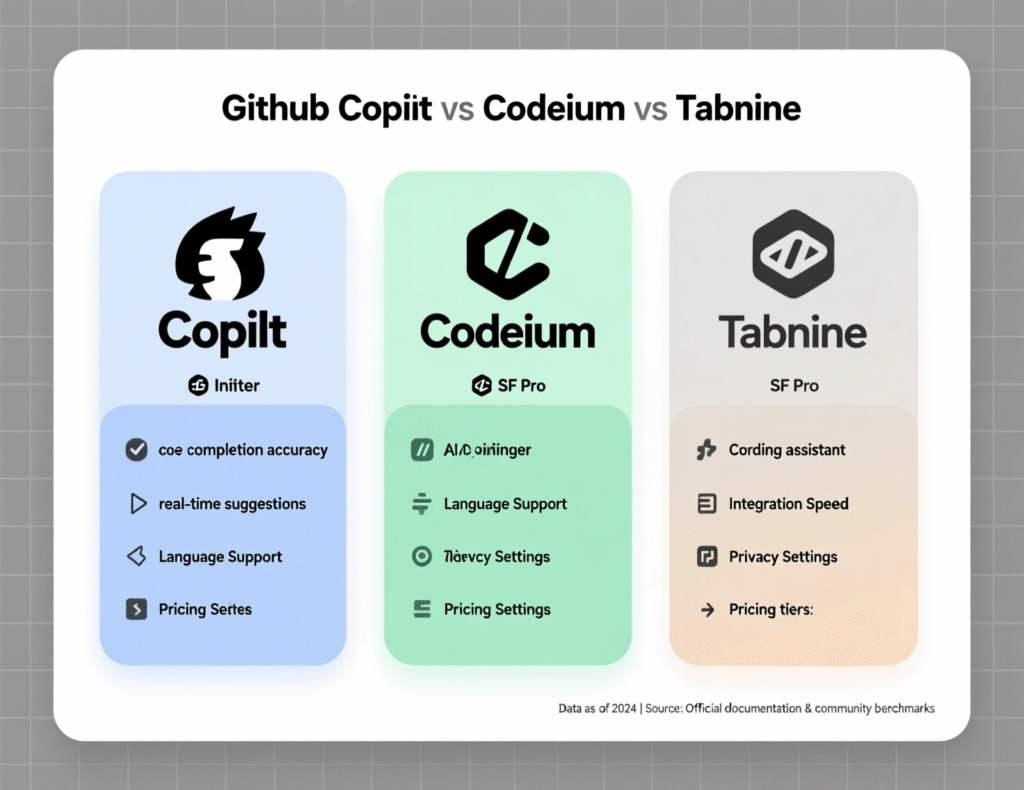
Across all three tools, the common positioning is “enterprise AI code assistant for teams” with increasing support for EU data residency and stricter privacy controls.
Open-Source and EU-Hosted Alternatives to GitHub Copilot
If your legal team insists on GDPR/DSGVO-compliant deployments with strict data residency, you may consider:
Open-source AI code assistants (e.g. self-hosted models integrated via VS Code extensions)
Vendor platforms that provide EU-region hosting, VPC peering or on-prem appliances
Solutions branded as “AI Copilot für VS Code mit Serverstandort in der EU” aimed squarely at German and EU enterprises
These setups typically trade some convenience for:
Stronger control over where prompts and code are processed
The ability to standardise models across multiple tools
Easier answers to audits from regulators like BaFin or internal security teams
GitHub Copilot vs Codeium vs Tabnine: Quick Comparison
A quick mental model for US, UK, German and EU buyers:
Accuracy & UX
GitHub Copilot
Strong general performance across languages, great for GitHub-centric workflows
Codeium
Competitive accuracy, particularly attractive where teams value a free tier and flexible backend models
Tabnine
Very strong for context-aware code completion in teams that prioritise privacy-first deployments
Latency
All three are generally “fast enough” in US and EU regions, but on-prem/VPC Tabnine can be tuned for low-latency internal networks.
Privacy & Enterprise Controls
GitHub Copilot Business/Enterprise
Enterprise policy controls, data retention options
Codeium
Clear policies around non-training on enterprise code and flexible deployment options
Tabnine
Strongest story when you need cloud, VPC, on-prem or air-gapped choices
IDE Coverage
All support VS Code and JetBrains; check the Neovim/terminal story if your team leans heavily on Linux-first workflows.
Price & Fit
Freelancers/startups in the US or UK often start with Copilot Pro or Codeium free + team plan.
Enterprises in Germany or wider Europe often shortlist Copilot Business/Enterprise vs Tabnine Enterprise vs EU-hosted options that satisfy internal risk and data residency requirements.
How AI Copilots Are Changing Software Development Workflows
AI coding copilot tools are popular in the US and Europe because they significantly improve developer productivity, accelerate onboarding and help teams keep up with growing feature demands — but they also introduce new risks in security, compliance and code quality. Studies suggest that AI tools can cut time spent on some coding tasks by 20–40%, while adoption of AI assistants has more than doubled since 2023.
Productivity Gains and Pair Programming Benefits
The biggest win is productivity:
Generating boilerplate controllers or DTOs
Writing repetitive tests
Drafting documentation and comments
Handling mundane migrations
For many teams, AI copilots act as always-on pair programmers, especially valuable for solo developers or small squads in Austin, Manchester or Hamburg. They reduce context switching by keeping chat, docs, search and code suggestions inside the IDE, which is why they are often grouped under developer productivity tools.
Code Quality, Bugs and Test-Driven Development
Do AI code assistants reduce bugs? The answer is: they can if you keep your engineering discipline.
Used well, they.
Surface edge cases you might forget
Encourage more tests by making test-writing cheaper
Help with AI-assisted refactoring of legacy code
Used poorly, they.
Reproduce subtle bugs from training data
Introduce insecure patterns you don’t notice
Tempt teams to skip TDD and code reviews
The safest pattern for TDD-focused teams in San Francisco, London or Berlin is: keep human-owned tests, use AI to draft implementations and refactors, then review as normal.
Impact on Junior vs Senior Developers and Jobs
For junior developers, AI copilots are like interactive mentors: they can ask “Explain this regex”, generate starter code, and learn by editing AI suggestions. But there’s a risk of over-reliance if they don’t also practise fundamentals.
For senior engineers in New York, Munich or Paris, AI copilots shift focus toward:
Architecture decisions
Code reviews
Guiding AI via better prompts and constraints
Industry leaders report that 30–50% of new code at large tech companies is now AI-generated, with near-universal adoption among internal engineering teams. The net effect is not eliminating senior roles, but raising expectations: seniors who can orchestrate AI effectively are in higher demand.
Compliance, Security and Governance for US, UK, German and EU Teams
Teams in the US, UK, Germany and the wider EU can adopt AI coding copilot tools safely by combining vendor choices (EU-hosted or on-prem where needed) with strong internal policies covering data residency, logging, PII handling and code review. The goal is to stay compliant with GDPR/DSGVO, UK-GDPR, HIPAA, SOC 2, PCI DSS and emerging frameworks like the EU AI Act while still unlocking productivity benefits.
GDPR, UK-GDPR, DSGVO and the EU AI Act
For EU companies and German entities under DSGVO, key questions include:
Where is code and telemetry processed — US, EU, or specific countries?
Does the vendor use prompts/completions for model training?
What logs are stored, and for how long?
You’ll need a clear data processing agreement (DPA), ideally with EU-region processing and options to disable training on your data. British companies must also account for UK-GDPR, while the upcoming EU AI Act will likely increase transparency and risk-management obligations for AI tooling used in software development.
Phrases like “AI code assistant GDPR compliant” or “DSGVO konforme AI Code-Assistant Tools für Unternehmen” translate into concrete requirements:
EU or country-specific regions for processing
Clear lawful basis and purpose limitation
Strong access controls and encryption
HIPAA, SOC 2 and PCI DSS
US healthcare, fintech and SaaS providers need to align AI coding copilots with:
HIPAA for protected health information (PHI)
SOC 2 for SaaS security controls
PCI DSS for payment card data
Typical patterns include:
No PHI or card data in prompts, enforced by internal policies and linting
Using vendors with SOC 2–audited controls and clear subprocessor lists
Running more sensitive workloads in VPC or on-prem deployments when available
In many cases, cloud-based AI code assistants can be acceptable for healthcare or financial data — but only if your prompts avoid live production data and your vendor attestation satisfies security and compliance teams.
Sector Regulators and Local Expectations
Different regulators have their own expectations:
BaFin for German fintechs expects robust outsourcing controls and auditability.
Open Banking/PSD2 in the UK/EU push banks to protect APIs and transaction data carefully.
NHS and NHS suppliers in the UK health ecosystem look closely at data flows, third-party processors and DPAs.
For these organisations, AI coding copilots often must:
Run in EU data centres or on-prem
Offer strong access control and logging
Provide contract clauses allowing audits and incident reporting
Governance Policies for AI Coding Assistants in Companies
Whatever your sector, you should publish an internal “policy for AI coding assistants in companies” that covers:
Which repos are in-scope or out-of-scope for AI suggestions
Handling of secrets and PII (never paste them into prompts)
Expectations for code review of AI-generated changes
AI copilot code ownership and IP — e.g. clarifying that the company, not the vendor, owns resulting code
Many Mak It Solutions clients pair this with broader engineering guidelines and training for leads. If you’re already investing in secure web development services or business intelligence services, this policy should sit alongside your existing SDLC and data governance controls.
Getting Started with GitHub Copilot and Other AI Coding Copilot Tools
Most teams can go from zero to first AI-assisted commit in a day by: picking 1–2 tools, enabling them in their main IDE, defining basic guardrails, and running a low-risk experiment on internal code. Think of this as a structured “hello world” for AI pair programming rather than a big-bang rollout.
Setting Up in VS Code, JetBrains and Neovim
A simple path for a GitHub Copilot tutorial for US developers or a GitHub Copilot Anleitung auf Deutsch looks like this:
Choose your tool (e.g. GitHub Copilot, Codeium, Tabnine, JetBrains AI Assistant).
Install the official extension/plugin in VS Code, your JetBrains IDE, or Neovim.
Sign in with GitHub, JetBrains or vendor SSO as appropriate.
Enable suggestions and chat, then configure settings like telemetry and model region if available.
For hybrid stacks (web + mobile), teams already using Mak It Solutions for React Native development or Flutter development can standardise on the same AI copilot across front-end and back-end projects.
Onboarding Developers to AI Copilots
For mixed-experience teams in the US, UK and EU, focus on change adoption:
Start with internal champions in San Francisco, London or Berlin.
Run short lunch-and-learn sessions where seniors live-code with Copilot/Codeium/Tabnine.
Provide short “prompt recipes” per stack (React, Django, Spring Boot).
Don’t forget freelancers and agencies clarify what’s allowed when they work on your repos.
Safe First Experiments on Real Projects
Begin with non-critical repos: internal tools, admin portals, reporting pipelines or test suites. For regulated industries and EU-based codebases:
Avoid production database schemas or PHI in prompts.
Keep experiments inside staging and integration environments.
Review all AI-generated code via standard PR workflows.
You can also monitor impact on throughput and bug rates using existing observability and BI tools, similar to how you’d evaluate the impact of a new CI system or cloud cost optimisation initiative. Makitsol
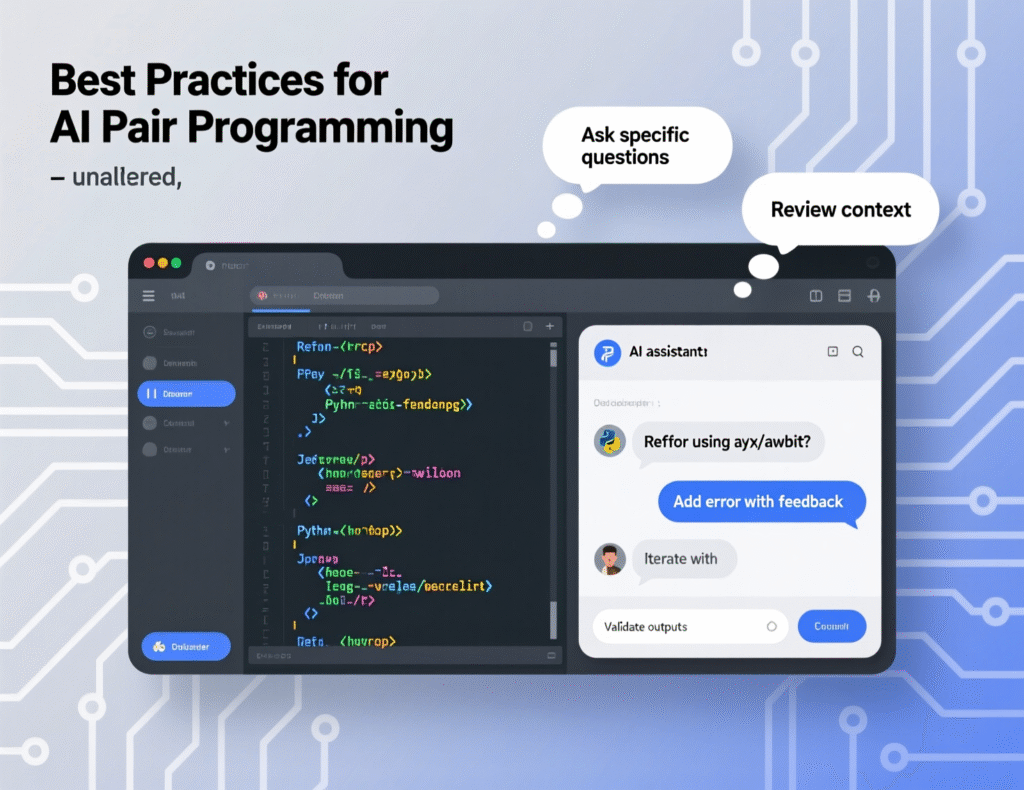
Best Practices for AI Pair Programming and Prompts
The simplest best practice list for AI coding assistants is: be explicit, keep secrets out, review everything, and treat the AI as a collaborator you double-check. Teams that follow this mindset see major productivity gains without sacrificing quality or compliance.
Effective Prompts for AI Coding Assistants
Good prompts for AI coding assistants clearly describe:
Intent – what you’re trying to build or fix
Constraints – performance, security, style guides
Tech stack – frameworks, versions, databases
Tests – how success will be verified
Example
“In this NestJS service, add a method to fetch paginated orders from Postgres using TypeORM. Include input validation and unit tests with Jest.”
This is classic natural language to code: you supply the spec, the copilot drafts the code.
Common AI Copilot Mistakes to Avoid
Common AI copilot mistakes to avoid include:
Copying suggestions blindly into production code
Pasting secrets, API keys or production data into prompts
Letting the AI dictate architecture or style without review
Overfitting to AI-generated patterns that don’t match your standards
Encourage a code review culture: AI-generated changes should go through the same PR process as human code. Teams already working with Mak It Solutions on web development or mobile app development can often reuse their existing review checklists with just a few extra AI-related questions.
Team Conventions and Review Workflows
For distributed teams across New York, London, Berlin, Paris and Amsterdam:
Document AI usage conventions in your engineering handbook.
Encourage pair sessions where one person prompts and the other reviews.
Integrate AI suggestions into standard TDD workflows and CI checks.
Use dashboards (e.g. from BI tools similar to those in to monitor adoption and impact.
Choosing the Right AI Coding Copilot Tool for Your Team
The right AI coding copilot tool depends on team size, sector, GEO, compliance needs and budget. US SaaS startups may prioritise speed and GitHub integration, while German banks or EU public-sector teams may put data residency and auditability first. The smart move is to shortlist 2–3 options, then run structured pilots rather than debating in the abstract.
Evaluation Checklist for US, UK, German and EU Teams
Use this checklist when evaluating the best AI coding copilot tools for US software teams or a “GitHub Copilot Alternative für deutsche Entwickler”:
IDE support (VS Code, JetBrains, Neovim, cloud IDEs)
Framework coverage (Java, .NET, Node, Python, mobile, data)
Hosting (vendor cloud, EU regions, VPC, on-prem, air-gapped)
Data usage (training on your code or not, retention policies)
Compliance attestations (SOC 2, ISO 27001, HIPAA/PCI DSS alignment)
Auditability (logs, admin console, export options)
Languages (English, German, French, Spanish, Italian comments and docs)
Support and SLAs (especially for large EU enterprises)
Pricing, Licensing and Enterprise Features
Typical pricing patterns in 2025:
Individual plans around $0–$15/user/month
Business/enterprise plans around $19–$40/user/month, with volume discounts
Expect add-ons like.
SSO (SAML, OIDC), SCIM user provisioning
RBAC for project-level controls
Audit logs, centralised policy management
Optional enterprise support tiers
Currency and region matter: vendors may bill in USD, GBP or EUR and adjust list prices or tax treatment for teams in the UK, Germany or the broader EU.
From Pilot to Rollout
A simple 30–60–90 day plan
Days 1–30
Pick 1–2 tools (e.g. GitHub Copilot + Tabnine), enable them for a small squad, and run experiments on non-critical repos.
Days 31–60
Measure impact on throughput and quality, refine internal policy, and standardise prompt patterns.
Days 61–90
Decide on a primary vendor, roll out to more teams, and embed usage into onboarding and engineering handbooks.
If you’d like help designing and running that pilot, Mak It Solutions can pair AI copilot selection with broader cloud hosting strategy and so your data, apps and analytics stay aligned. Makitsol+1
Mak It Solutions can help you compare GitHub Copilot, Codeium, Tabnine, JetBrains AI Assistant and EU-friendly alternatives, then design a 30–60–90 day rollout with clear policies and measurable outcomes. Book a consultation with our Editorial Analytics Team and engineering leads to get a tailored recommendation and implementation roadmap for your stack. (Click Here’s )
FAQs
Q : Can AI coding copilot tools be safely used with proprietary or highly sensitive codebases?
A : Yes, but only with the right setup and policies. For highly sensitive or proprietary code, look for tools that offer EU or in-country hosting, VPC or on-prem deployment, and options to disable training on your data. Combine this with clear rules about not pasting secrets or live production data into prompts, and enforce code review for all AI-generated changes. In very sensitive environments, an on-prem or air-gapped deployment is often the safest choice.
Q : Are there AI coding copilots that work fully on-prem or offline for regulated industries in Europe?
A : Several vendors now support on-prem, air-gapped or self-hosted deployments, particularly for larger enterprises and public-sector organisations in Germany and the wider EU. These solutions run the AI inference within your own infrastructure so code never leaves your network. The trade-offs are higher setup and maintenance effort, plus more responsibility for scaling, monitoring and upgrades, but they provide a strong answer to BaFin, NHS or EU regulator scrutiny.
Q : How much budget should a small development team allocate for AI coding assistants each year?
A : For a small team of 10 developers, a realistic starting budget is roughly $2,000–$5,000 per year, assuming per-seat pricing between $10 and $40 per user per month plus some buffer for pilots or upgrades. This is often comparable to IDE or CI tooling costs. When you estimate value, consider time saved on boilerplate, tests and bugfixes, and the opportunity cost of shipping features faster.
Q : What should be included in an internal company policy on GitHub Copilot and similar AI code assistants?
A : A good internal policy should define: which tools are approved, which repos and environments are in scope, what kinds of data must never reach the AI (secrets, PHI, card data), and how AI-generated code is reviewed. It should also clarify IP ownership, log retention, and how to handle reported vulnerabilities in AI-suggested code. Training sessions for engineers and regular reviews with security/compliance teams will keep the policy effective as tools evolve.
Q : Do AI coding copilots support multiple programming languages equally well, or should teams choose tools per tech stack?
A : Most leading AI coding copilots support dozens of languages, but real-world quality varies. Popular stacks (JavaScript/TypeScript, Python, Java, C#, Go) tend to get better suggestions than very niche languages. Some tools also shine in specific ecosystems for example, JetBrains AI Assistant in JVM/JetBrains IDEs. If your organisation relies heavily on a particular stack (e.g. .NET in London or Go in Amsterdam), it’s worth running small pilots to compare suggestions across tools before standardising.