


Arabic UX Design for Saudi & UAE Apps (Guide + Checklist)
Arabic UX Design for Saudi & UAE Apps (Guide + Checklist)
Arabic UX Design: RTL App Rules for GCC Product Teams
Arabic UX design means creating right-to-left, Arabic-first journeys that feel natural to users in Saudi Arabia, the UAE, Qatar and the wider GCC, instead of just translating English screens. It focuses on RTL layout, Arabic typography, bilingual navigation, and compliance with regulators like SAMA, TDRA and QCB so apps convert better and earn long-term trust.
Introduction
Most GCC apps are technically “Arabic,” but the experience still feels foreign: menus flipped in the wrong order, mixed LTR/RTL forms, and microcopy that sounds like it was translated by a robot. When arabic ux design is treated as a last-minute translation task, Saudi, UAE and Qatar users simply drop off, mistrust payment flows, or switch to a local competitor. This guide shows you the core RTL rules, bilingual patterns, and a practical path to adapt an English app to Arabic without breaking the UX or your roadmap.
What Is Arabic UX Design in GCC Markets?
Arabic UX design is a mindset shift: you design for Arabic speakers in Riyadh, Dubai, Doha and Jeddah from day one, instead of “fitting” Arabic into an English skeleton. That means starting with Arabic reading patterns, cultural expectations, and mobile habits in Saudi Arabia, UAE, Qatar, Kuwait, Bahrain and Oman, then designing flows, content hierarchy and microcopy around them. Translation becomes the final layer, not the starting point.
Why Arabic UX design matters for Saudi, UAE and Qatar growth
For consumer and B2B products, Arabic-first UX directly impacts activation, KYC completion, cart conversion and referrals. A Riyadh fintech that respects RTL, clear consent, and local wording will feel more trustworthy than a global app with fragmented Arabic strings. The same applies to Dubai super-apps or Doha government portals competing to be the default daily interface for residents. Arabic UX is no longer “nice to have”; it’s part of serious market entry.
Quick self-check.
Ask your team: Do our primary flows (signup, checkout, support) fully work in RTL? Are any key components (tabs, carousels, accordions) still LTR? Do we have Arabic UX writing guidelines, or only a translation file? Are we testing with Saudi/UAE/Qatar users, or just bilingual staff? If the honest answer is “not really”, you have a UX, not just a language, problem to solve.
Core RTL UX Rules for Arabic Apps in Saudi, UAE & Qatar
For Saudi users, the most important RTL UX rules are: mirror layout and navigation so the visual hierarchy flows right-to-left, use Arabic-optimized fonts and line spacing for small mobile screens, keep numbers and forms stable (e.g., IBANs, OTPs), and avoid half-mirrored components or mixed alignment in critical flows like payments and identity. Done well, users in Riyadh and Jeddah will immediately feel the app “belongs” to them, not just translated for them.
Layout mirroring, navigation and reading flows for right-to-left
Start by mirroring the main layout grid: primary actions and CTAs on the left side of cards, but visually entered from the right; back buttons on the right; progress moving from right to left. Navigation bars, tab bars and breadcrumbs should follow a right-to-left flow, while still matching iOS and Android expectations. For fintech, government and health apps, be extra strict here small layout breaks can feel like security risks.
Typography, fonts and spacing for Arabic mobile UX
Choose Arabic-optimized fonts with good rendering on Android mid-range devices, not just iOS. Slightly larger font sizes, generous line-height, and sufficient contrast are essential for long Arabic sentences and formal government language. In bilingual GCC apps, pair Arabic and Latin fonts that visually harmonize, so English brand names or codes don’t feel bolted on. This becomes critical in dense screens such as Riyadh banking dashboards or Dubai logistics tracking views.
Common RTL mistakes to avoid in fintech, government and e-commerce apps
Typical mistakes include flipping icons that should never be mirrored (credit card chips, logotypes), leaving carousels scrolling LTR, or mixing left-aligned Latin numbers inside right-aligned Arabic text. In fintech, poor mirroring around OTP, IBAN or card-linking flows erodes trust under SAMA, QCB or DIFC rules.In e-commerce, half-RTL checkout forms, unclear Arabic address fields and off-screen error messages are major causes of cart abandonment.
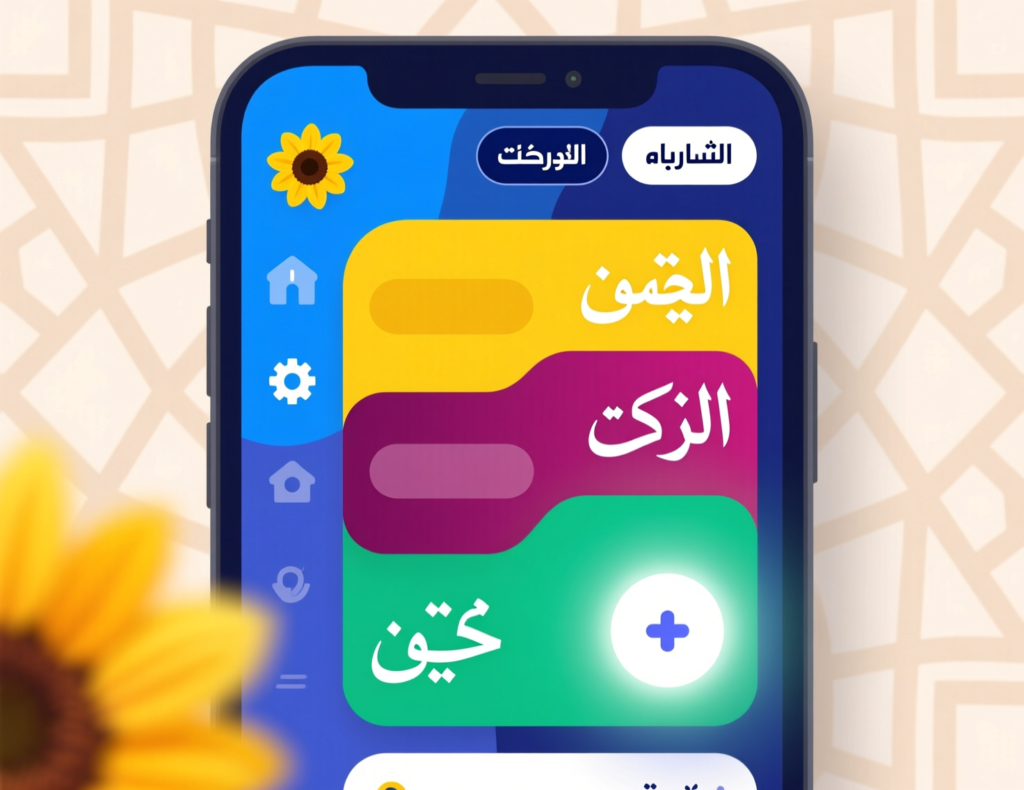
Bilingual (Arabic–English) UX Patterns for Dubai, Riyadh and Doha
For users in Dubai, Riyadh and Doha, successful bilingual apps keep navigation predictable: a clear language toggle in the header or main menu, full RTL/LTR layout switching (not just text), and consistent language stickiness across sessions. Menus, icons and key actions remain in the chosen language; mixed screens are limited to necessary cases like brand names, codes and reference numbers.
Language toggles and entry points that feel natural to GCC users
Place the language toggle where users expect it: in the top bar or profile area, not buried in “Settings”. For Arabic-first audiences, open in Arabic by default with an obvious switch to English. In Dubai and Abu Dhabi, where many users are bilingual, allow easy switching mid-flow without resetting the journey. Persist language preference across login states so users don’t “fight” the app every session.
Handling mixed-language content, numbers and forms in bilingual UI
Mixed Arabic English is unavoidable: English brand names, email fields, promo codes, IBANs and addresses. Stabilize these by keeping numbers and codes LTR even inside RTL layouts, and choosing input components that properly handle both scripts. For example, Doha address forms should allow English tower names but Arabic street descriptions; Riyadh B2B portals must handle Latin company names with Arabic legal entities in the same record.
Case snapshots.
UAE Pass, Absher, Tawakkalna and Qatar’s e-government portals all demonstrate practical bilingual patterns: language selection up front, mirrored flows, and clear Arabic labelling for high-risk actions. Study how they present identity, permissions and notifications in both languages. While you can’t copy their visuals, the underlying rules clarity of consent, consistent terminology, and offence-free wording are a strong benchmark for GCC product teams.
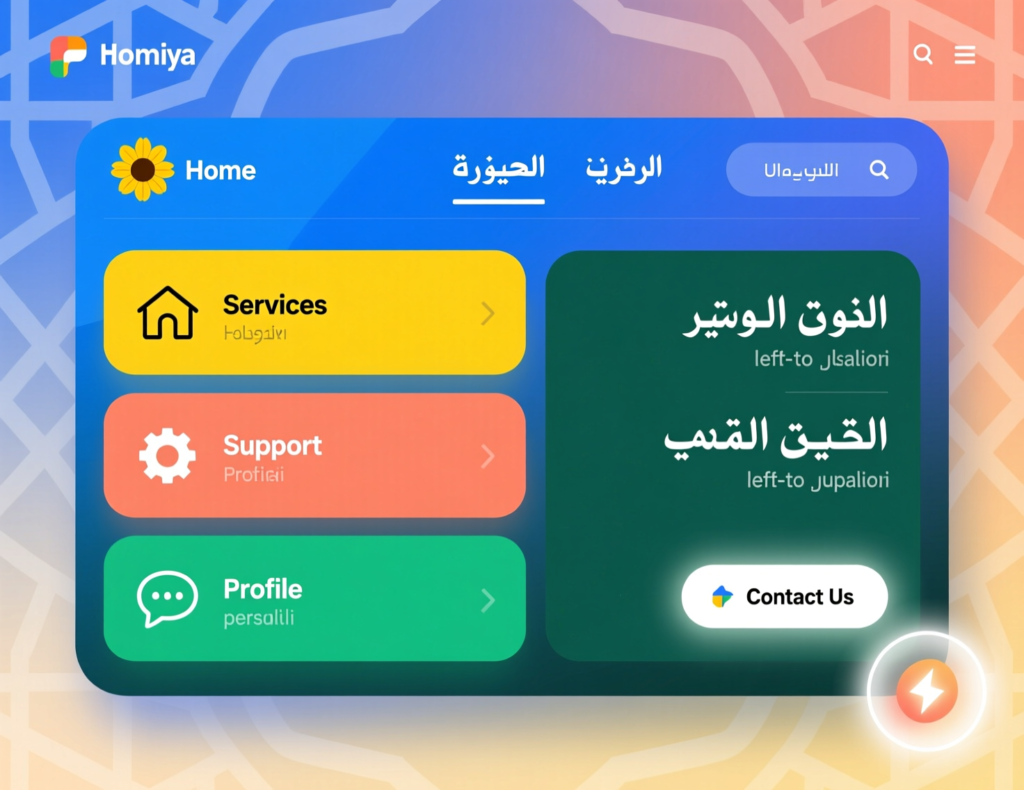
Adapting an Existing English App to Arabic RTL Without Breaking It
To adapt an existing English app to Arabic RTL safely, you first map which layouts, components and flows are impacted, then redesign them for RTL at design-system level, not per screen. After that, you run iterative builds and usability tests with real users in Riyadh, Dubai and Doha to catch visual and wording issues early before they reach production.
Audit your flows, components and content for RTL impact
Start with an inventory: navigation patterns, card layouts, data tables, carousels, forms, modals and microcopy. Flag anything with directional assumptions (arrows, progress bars, sliders). For each core journey—onboarding, payments, support capture screenshots and note what must mirror or stay fixed. This is also where you align with NDMO, TDRA or QCB data and consent requirements if you’re handling personal data or government integrations.
Redesign layouts, microcopy and error states for Arabic users
Next, update your design system tokens and components for RTL so product teams aren’t hacking each screen manually. Re-write microcopy and error states in native, clear Arabic—especially for KYC, payment failures and permissions. Government and fintech apps under SAMA, ADGM or DIFC benefit from explicit, reassuring copy and step-by-step flows, not vague error strings carried over from English.
Build, test and iterate with real users in Riyadh, Dubai and Doha
Finally, implement RTL in your codebase (Flutter, React Native, native iOS/Android, etc.) and test on the actual device mix you expect in GCC. Recruit users in Riyadh, Dubai and Doha, not just internal bilingual staff, and measure completion rates, error rates and perceived trust. For data-sensitive apps, ensure AWS Bahrain, Azure UAE Central or GCP Doha regions align with your build to support data residency expectations.
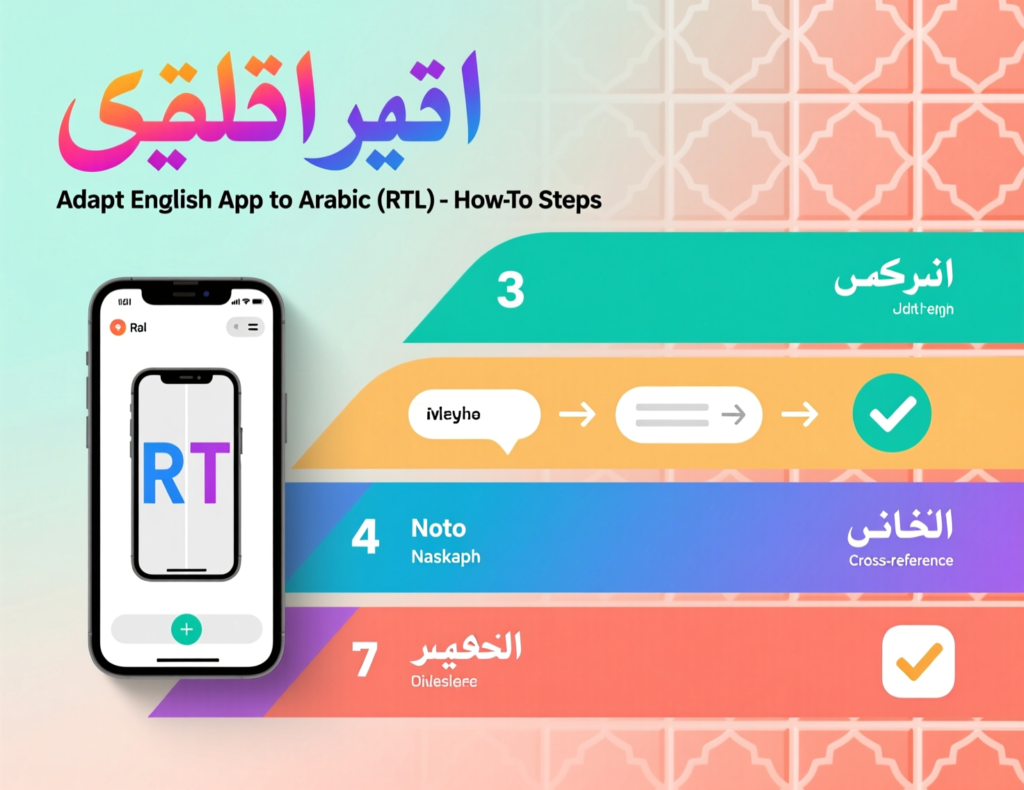
Compliance, Trust & Industry-Specific Arabic UX in GCC
Fintech & banking: SAMA, QCB, ADGM and DIFC expectations in UX flows
Fintech UX is inseparable from regulation. Under SAMA, QCB, ADGM and DIFC, flows for onboarding, KYC, consent and dispute handling need clear Arabic wording, explicit user agreement, and error states that don’t mislead customers. Arabic UX should make risk visible but not scary—showing “why we need this information” or “how your data is protected” in simple Arabic is a UX and compliance win.
Government & public services.
For government and public-sector apps, TDRA and NDMO guidelines emphasize accessibility, clarity and secure handling of citizen data.Platforms such as Absher, Tawakkalna, UAE Pass and Qatar e-gov consistently use plain Arabic, stepwise confirmations and clear privacy notices. When you design citizen journeys—permits, appointments, fines mirror that standard: predictable navigation, strong contrast, and no hidden conditions buried in English footnotes.
E-commerce, logistics and retail.
In retail and logistics, the friction is usually at checkout and delivery. Arabic UX must support local naming conventions, building/landmark-based addresses and neighborhood-level details. Live tracking screens, COD instructions, and driver communication should be Arabic-first. Pair this with well-structured WooCommerce or custom checkout flows, and consider partnering with a team experienced in GCC e-commerce UX and WooCommerce development services.
Best Practices, KPIs & Next Steps for Arabic UX Design Teams
Building the right team: researchers, Arabic UX writers and product owners
Strong arabic ux design doesn’t come from a single translator. Successful GCC teams combine product owners who understand Saudi/UAE/Qatar priorities, Arabic UX writers who can handle formal and casual tones, and researchers who can interview users across Riyadh, Dubai, Doha, Kuwait City, Manama and Muscat. Partnering with specialist UI/UX and web designing services or front-end revamp teams can accelerate this.
Tools, design systems and frameworks with strong RTL support
Use tools that deeply support RTL interface design: Figma with RTL plugins, Flutter and React Native with bidi layout, and component libraries that respect dir="rtl" by default. A shared design system across your GCC portfolio—web, mobile and PWAs helps you keep patterns consistent while your mobile app development and React Native teams iterate quickly.
GCC-focused UX metrics and how to run experiments for Arabic users
Define KPIs by market: onboarding completion for a Riyadh fintech under Vision 2030, MyAccount usage for a Dubai e-commerce brand, or e-service completion for a Doha SME on GCP Doha. Run A/B tests on Arabic wording, icon choices and form layouts, and track uplift over time. For example:
A Riyadh fintech startup aligning flows with SAMA rules and NDMO consent wording sees higher KYC completion.
A Dubai retailer improves cart conversion by simplifying Arabic checkout copy and implementing a PWA optimised for GCC networks. makitsol.com
A Doha SME hosting in AWS Bahrain or GCP Doha reduces latency for Arabic dashboards and increases repeat logins.
Use detailed product analytics plus qualitative interviews to guide each iteration.
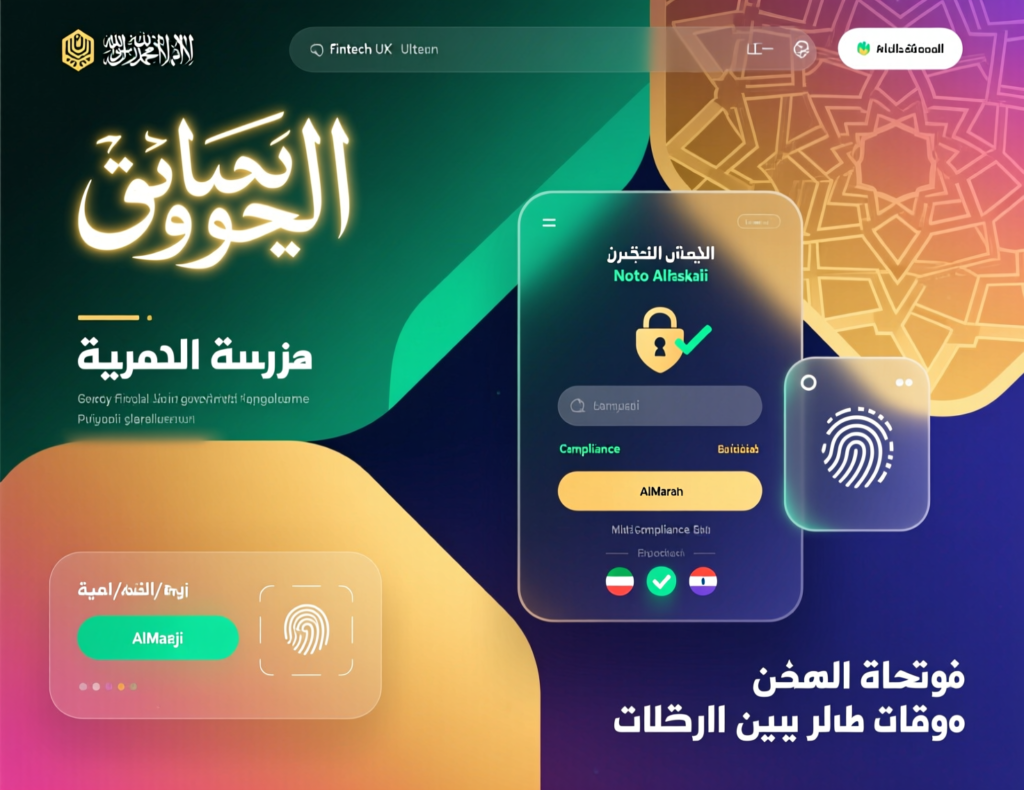
Good Arabic UX design for GCC means: fully mirrored RTL layouts, Arabic-first wording, smart bilingual patterns, and flows that match regulators’ expectations while feeling effortless to normal users. Before launching a Saudi/UAE/Qatar release, quickly check:
Does every key flow work in pure RTL?
Are Arabic fonts, spacing and colour contrast readable on mid-range devices?
Are bilingual elements (numbers, codes, addresses) stable and predictable?
Have we tested with real users in Riyadh, Dubai and Doha—not just internal staff?
If you’d like a partner who understands both GCC culture and modern product engineering, Mak It Solutions can help you audit, redesign and implement Arabic UX at scale. From full web development to mobile products and business intelligence UX, our team can co-design a roadmap that fits your stack and release schedule.
If you’re serious about Saudi, UAE or Qatar growth, “just translate it later” is no longer an option. Book a session with Mak It Solutions to walk through your current app screens and identify the biggest RTL and bilingual risks before they hit production. Explore our broader services portfolio and digital marketing support to plan a full GCC launch—from UX to acquisition. Ready to build Arabic UX that users actually recommend to friends and colleagues? Reach out and let’s design it together.
FAQs
Q : Is Arabic-only UX enough for consumer apps in Riyadh, or should I always offer English too?
A : For mass-market consumer apps in Riyadh, Arabic-first UX is essential, but English is still important for expats, business users and support teams. Many Vision 2030 initiatives expect inclusive access, which often means at least Arabic and English interfaces. In practice, most Saudi users appreciate having the choice even if they default to Arabic for payments and identity flows. Start with Arabic-first UX, then add English thoughtfully where it helps discovery, support and business adoption.
Q : Do UAE government or TDRA guidelines require specific RTL standards for mobile apps?
A : TDRA and UAE digital government policies focus on accessibility, clarity and usability for all residents, which naturally includes proper RTL handling for Arabic content. While they may not dictate exact pixel-level patterns, their web and digital guidelines emphasise readable Arabic, inclusive design and consistent navigation for federal services.If you’re building apps that integrate with UAE Pass or federal services, aligning with these expectations mirrored layouts, strong contrast, clear labels is considered best practice, not optional.
Q : How different should Arabic UX be for fintech apps under SAMA, QCB or DIFC compared to normal e-commerce apps?
A : Fintech UX under SAMA, QCB or DIFC carries higher trust, security and consent requirements than typical e-commerce. Onboarding, KYC, limits, disputes and fee disclosures must be crystal-clear in Arabic and easy to review before approval.E-commerce can use more playful microcopy; fintech flows usually need formal but human Arabic, explicit risk wording and clear confirmation states. Think “zero ambiguity” around money movement, data sharing and regulatory responsibilities then design your RTL flows around that bar.
Q : What are common UX mistakes global startups make when localising apps for Saudi and UAE Arabic users?
A : Common mistakes include only translating marketing pages while leaving core flows half-English, not mirroring layout at the design-system level, and ignoring data residency rules tied to NDMO or sector regulators. Many teams also underestimate typography—Arabic rendering breaks on lower-end Android devices and skip real testing in Riyadh or Dubai. Finally, they port Western metaphors or humour that don’t land in GCC culture, especially in sensitive areas like healthcare, finance or government services.
Q : How much additional time and budget should a GCC product team plan for proper Arabic UX design and testing?
A : As a rule of thumb, serious Arabic UX work can add 15–25% effort on top of your initial English-only product design, especially for complex fintech or government-style flows. That includes RTL design-system work, UX writing, and at least two usability testing rounds with real users in Saudi Arabia and the UAE. If you plan for Arabic from the start, the incremental cost is smaller than retrofitting later. Treat it as part of your core GCC go-to-market budget, not a post-launch line item.