Blogs
WooCommerce Speed Optimization: Saudi Store Fixes
Content Editor · November 21, 2026 · 10 min read
Direct answer
Why is my WooCommerce store loading slowly in Saudi Arabia?
Slow WooCommerce performance can result from limited hosting resources, large product images, inefficient plugins, database queries, or regional integrations. Test Arabic and English mobile pages, investigate server response times, and identify the actual bottleneck before making changes.
A customer in Riyadh finds your product on Google, opens your store, and waits for the product image to appear. They tap the checkout button, but the page barely responds. Instead of completing the purchase, they…
WooCommerce Speed Optimization: Saudi Store Fixes
A customer in Riyadh finds your product on Google, opens your store, and waits for the product image to appear. They tap the checkout button, but the page barely responds. Instead of completing the purchase, they leave.
This is exactly why WooCommerce speed optimization matters for online retailers in Saudi Arabia, the UAE, and Qatar.
WooCommerce speed optimization means identifying and fixing the problems that slow down your online store, including hosting delays, inefficient caching, oversized images, unnecessary scripts, and database bottlenecks. For GCC businesses, it also means maintaining fast Arabic and English storefronts, responsive mobile pages, and reliable payment processing.
Arabic right-to-left (RTL) layouts, bilingual catalogs, marketing integrations, and regional payment gateways can introduce additional technical challenges.
The solution isn't always another plugin. It starts with finding out what's actually slowing your store down.
Why Is Your WooCommerce Store Running Slowly?
A slow WooCommerce website usually has more than one performance issue. Hosting limitations, large images, inefficient plugins, and unnecessary database requests can combine to create noticeable delays.
Common WooCommerce Performance Problems in GCC Stores
Consider a Riyadh retailer running an Arabic-English store with shipping extensions, product filters, translation tools, and payment integrations.
Each extension may add scripts, database queries, or external requests. When those requests accumulate, even a visually simple product page can become slow.
Common warning signs include delayed product images, unresponsive add-to-cart buttons, slow category pages, and checkout interruptions.
How to Test WooCommerce Speed Before Making Changes
Test your important store pages.
Use Google PageSpeed Insights to measure your homepage, category pages, product pages, cart, and checkout.
Inspect loading behavior.
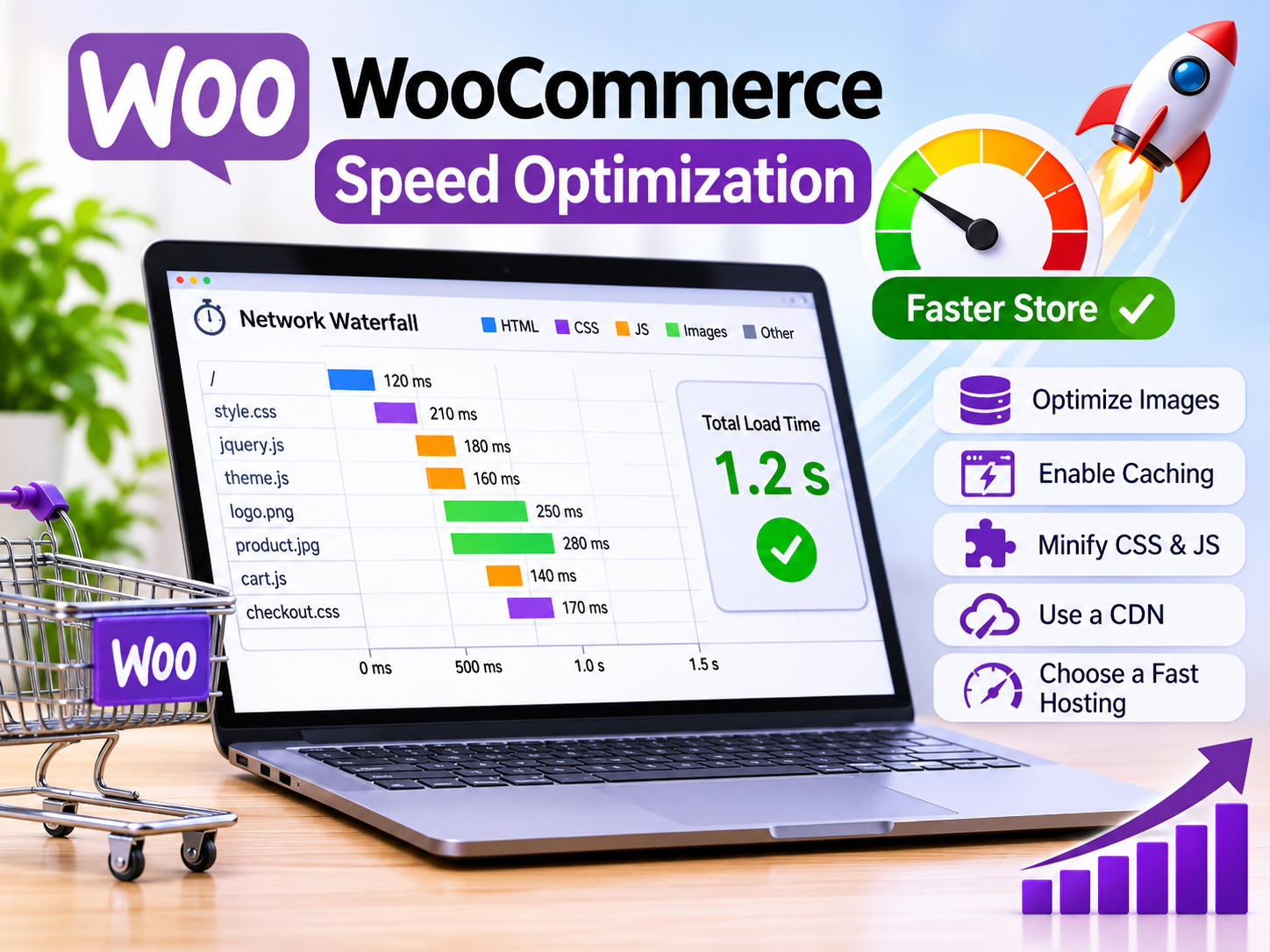
Open Chrome DevTools and check the network waterfall, JavaScript errors, and slow-loading resources.
Test the same mobile product page three times using consistent settings. Record the results so you can compare performance after optimization.
How to Identify Hosting, Plugin, and Checkout Delays
Locate the actual bottleneck.
Investigate Time to First Byte (TTFB), PHP execution, database queries, plugins, and third-party API requests.
A low PageSpeed score tells you that something needs attention. It doesn't automatically tell you which component is responsible.
Fix WooCommerce Hosting and Caching Problems
Hosting and caching can make a substantial difference to WooCommerce performance, but the configuration must protect customer-specific information.
Choose Fast WooCommerce Hosting for GCC Customers
Review your hosting infrastructure.
Check available server resources, PHP workers, database capacity, and response times from your customers' locations.
Regional cloud infrastructure, such as AWS Bahrain, Azure UAE Central, or Google Cloud Doha, may be worth evaluating alongside international hosting and CDN options.
Choose based on measured performance, service availability, cost, and applicable data-location requirements rather than server location alone.
If your current infrastructure struggles with traffic or complex functionality, explore performance-aware web development.
Configure WooCommerce Caching Without Breaking Checkout
Configure page caching carefully.
WP Rocket, LiteSpeed Cache, and compatible server-level caching can reduce repeated page generation.
However, WooCommerce isn't an ordinary content website. Customer carts, account information, and checkout sessions require special handling.
Exclude cart, checkout, account, and other personalized responses from shared full-page caching.
The official WooCommerce caching documentation explains the importance of protecting dynamic shopping functionality.
Use Redis Object Caching and a CDN Correctly
Evaluate Redis object caching.
Persistent object caching can reduce repeated database operations when properly configured and supported by your hosting environment.
Configure a content delivery network.
A CDN such as Cloudflare can deliver suitable static assets closer to shoppers.
For example, a Dubai-based retailer serving customers in Abu Dhabi and Doha can compare CDN performance across those markets.
Keep personalized responses and shopping sessions protected from inappropriate caching.
Optimize WooCommerce Images, Scripts, and Database
Even with suitable hosting, large images and unnecessary scripts can make product pages frustratingly slow.
Compress Product Images and Improve Image Delivery
Optimize product images.
Resize oversized images and use efficient formats such as WebP or AVIF when supported.
Lazy-load images below the visible area, but prioritize the main product image so customers can see what they're shopping for.
This matters for image-heavy catalogs selling fashion, cosmetics, electronics, and home products.
Reduce Render-Blocking CSS, JavaScript, and Plugin Overhead
Remove unnecessary loading overhead.
Audit JavaScript, CSS, advertising pixels, and plugin assets.
Some scripts may be unnecessary on product pages but essential during checkout. Test dependencies before removing or delaying them.
For bilingual GCC stores, verify Arabic fonts, RTL stylesheets, and language-switching functionality after changes.
More complex storefront issues may require ecommerce development solutions.
Clean and Optimize the WooCommerce Database
Review database performance safely.
Create a complete backup before modifying stored information.
Inspect expired transients, database queries, scheduled actions, and table performance. Check High-Performance Order Storage (HPOS) compatibility with installed extensions.
Avoid deleting essential orders, transaction records, or financial information.
Database cleanup should solve identified problems, not become an unnecessary maintenance risk.
Improve WooCommerce Mobile Speed and Core Web Vitals
Mobile speed is particularly important for GCC retailers serving customers who discover products through search engines, social media, and advertising.
Improve LCP, INP, and CLS on WooCommerce Pages
Optimize Core Web Vitals.
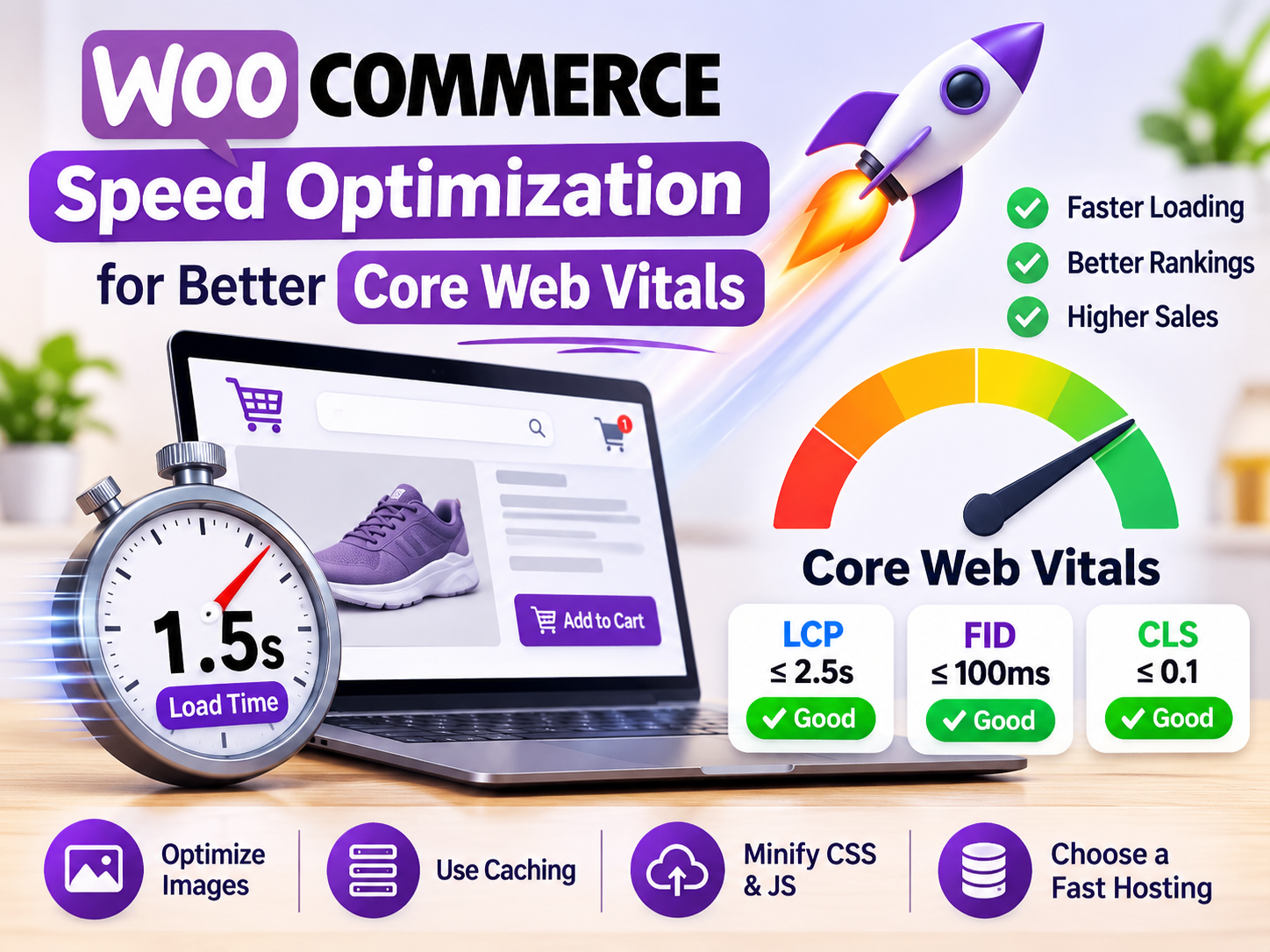
Google's Core Web Vitals measure three important aspects of user experience.
Google's "Good" Core Web Vitals thresholds
≤2.5s
LCP
Loading performance≤200ms
INP
Interaction responsiveness≤0.1
CLS
Visual stabilityA fast-loading page should also feel responsive when a shopper selects a product variation, opens a menu, or adds an item to the cart.
Optimize Arabic RTL and English WooCommerce Stores
Arabic and English pages should be tested independently.
Different fonts, translated content, RTL layouts, and navigation elements can behave differently across devices.
Verify that product cards, checkout fields, menus, and language selectors remain readable and responsive.
For additional visibility into technical search performance, consider SEO optimization services.
Retest GCC Mobile Shopping Journeys After Optimization
Repeat your tests and complete real shopping journeys.
Compare your results with the original baseline.
Test product browsing, language switching, add-to-cart actions, shipping calculations, payment completion, and order confirmation.
A faster page isn't a successful optimization if customers can no longer complete their purchases.
Fix Slow GCC Checkout and Payment Integrations
Checkout deserves particular attention because a performance problem at this stage can interrupt an otherwise successful shopping journey.
Diagnose Slow mada and Regional Payment Gateway Requests
Saudi stores accepting mada through compatible payment providers should investigate gateway response times, API latency, redirects, and failed requests.
A slow checkout doesn't automatically mean the payment network is responsible. The problem could come from your hosting, gateway extension, or conflicting JavaScript.
Use supported sandbox environments to test payment-related changes before deploying them to production.
Review GCC Payment, Privacy, and Data Requirements
Regional compliance requirements depend on the business, payment provider, data processing arrangements, and jurisdiction.
Relevant authorities include.
Saudi Arabia.
Saudi Central Bank (SAMA), NDMO, and ZATCA where applicable.
UAE.
TDRA, ADGM, and DIFC where applicable.
Qatar.
Qatar Central Bank (QCB) for applicable payment-provider oversight.
These authorities do not establish universal WooCommerce loading-speed targets.
Prevent Speed Changes From Breaking Orders and Customer Data
After deploying performance improvements, confirm that cart sessions, coupons, shipping calculations, payment callbacks, refunds, invoices, and order notifications work correctly.
Check Arabic checkout labels and customer privacy protections as well.
Never disable mandatory security or payment verification mechanisms simply to improve speed.
Compare WooCommerce Performance Needs Across the GCC
WooCommerce stores share many technical challenges, but local customer journeys and business integrations can influence optimization priorities.
WooCommerce Speed Optimization in Saudi Arabia
Riyadh and Jeddah retailers should prioritize Arabic mobile usability, product loading, and reliable mada-enabled checkout.
Stores using electronic invoicing integrations should also verify relevant ZATCA workflows after major updates.
WooCommerce Speed Optimization in Dubai and Abu Dhabi
UAE ecommerce businesses may need to focus on hosting efficiency, CDN configuration, advertising scripts, and bilingual catalogs.
Cross-border shipping integrations and marketing tools can introduce additional API requests worth investigating.
WooCommerce Speed Optimization for Doha Businesses
Doha retailers should pay close attention to mobile checkout responsiveness, regional content delivery, and gateway latency.
Hosting decisions should reflect measured performance and business requirements.
|
Market |
Example store |
Optimization priorities |
|---|---|---|
|
Saudi Arabia |
Riyadh retailer |
Arabic UX, mada, mobile speed |
|
UAE |
Dubai ecommerce brand |
Hosting, CDN, scripts |
|
Qatar |
Doha online store |
Mobile checkout, payment APIs |
These are illustrative scenarios, not national performance rankings.
WooCommerce Speed Optimization Costs and Best Practices
What Determines WooCommerce Speed Optimization Costs?
There is no fixed price for every WooCommerce performance project.
Costs depend on hosting architecture, catalog size, plugin complexity, database condition, and the amount of development work required.
An initial audit, implementation, infrastructure upgrades, and ongoing monitoring may involve separate charges.
DIY Optimization vs. Hiring a WooCommerce Speed Expert
Basic improvements such as image compression, compatible caching settings, and routine backups may be manageable in-house.
However, complex multilingual stores, database bottlenecks, and checkout failures often benefit from specialist support.
When evaluating technical partners, review their approach to testing, backups, security, and post-deployment validation.
You can explore Mak IT Solutions' project work and available services.
How to Keep WooCommerce Stores Fast After Launch
Performance optimization isn't a one-time task.
Monitor Core Web Vitals, hosting resources, database performance, checkout errors, and plugin updates.
Retest after major campaigns, theme changes, or extension upgrades. Maintain reliable backups and rollback procedures.
Final Thoughts
Effective WooCommerce speed optimization begins with measuring actual problems and fixing them without disrupting the shopping experience.
For businesses in Saudi Arabia, the UAE, and Qatar, that means more than improving a PageSpeed score. Customers need responsive product pages, dependable Arabic and English interfaces, and secure checkout functionality. Mak It Sol
Focus on improvements that make shopping easier, reduce unnecessary delays, and keep transactions working reliably.
Contact Mak IT Solutions to discuss a technical performance audit covering hosting, mobile usability, Arabic storefronts, and checkout reliability.
You can also book a consultation to discuss a GCC-focused optimization strategy.
FAQs
Frequently asked questions
Quick answers related to this article.
Comments
Join the discussion. Comments are moderated.
No comments yet. Be the first to share a thought.
Building something related?
Tell us about your product goals — we’ll respond with a clear next step.
Discuss your project