


High-Performance WordPress
If you’ve ever watched a beautiful WordPress site limp past the 3-second mark, you know the cost: higher bounce rates, fewer checkouts, and weakened SEO. The fix isn’t magic—it’s a disciplined, layered approach that tackles network latency, render-blocking assets, server work, and runtime JavaScript. In this guide, you’ll get a field-tested blueprint for High-Performance WordPress that consistently produces sub-2-second perceived loads (and comfortably passes Core Web Vitals). We’ll anchor strategy to the current standards—LCP ≤2.5s, INP ≤200ms, CLS ≤0.1—and map exactly where WordPress teams should invest to get there. web.dev+1
The 4-Layer Framework for High-Performance WordPress
Sub-2-second experiences come from optimizing all four layers edge, origin, front-end, and runtime.
CDN, Caching Strategy, and HTTP/3
-
Cache HTML at the edge
For anonymous users. Services like Cloudflare’s APO for WordPress have shown ~72% faster TTFB and ~23% faster FCP in testing, dramatically improving global render starts. Combine with a page cache at the origin for logged-in or cart users. -
Adopt HTTP/3/QUIC
It reduces head-of-line blocking and shortens handshake latency, improving reliability on lossy networks. Enable it on your CDN and origin if available. -
Smart resource hints
Addpreconnectto your CDN fonts/critical origins anddns-prefetchto third-parties to save RTTs;preloadonly the truly critical assets.
Checklist (Edge) for High-Performance WordPress
-
Enable CDN with HTML caching for guests (APO/edge rules)
-
Serve HTTP/3 + TLS 1.3
-
Preconnect critical domains; preload only critical CSS/JS
-
Set long cache lifetimes on static assets with content hashing
PHP, Database, and Object Cache
-
Persistent Object Cache:
WordPress benefits hugely from Redis. Use Redis Object Cache plugin and a managed Redis service for low latency and fewer queries per request. -
Profile slow queries
With Query Monitor (free) or host APM tools to find options tables bloat, unindexed meta queries, and heavy WooCommerce lookups; fix with indexes, transients, or custom endpoints. -
Reduce TTFB
With fast PHP (8.2+), modern stacks, and a well-tuned database. A fast host + CDN + caching + DNS are the biggest levers.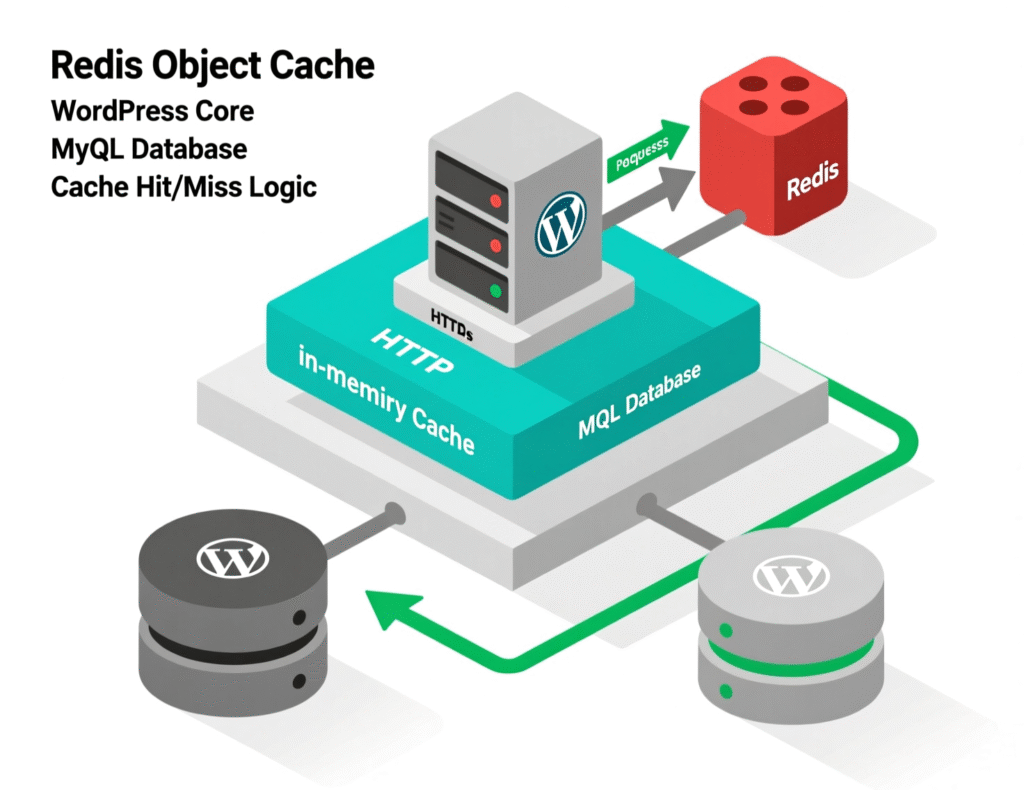
Checklist (Origin) for High-Performance WordPress
-
PHP 8.2/8.3, opcache tuned; database on SSD; HTTP keep-alive
-
Persistent object cache (Redis), warm critical keys on deploy
-
Query budgets: <100 queries for core views; monitor with Query Monitor
-
Offload search/heavy listing to serverless or custom endpoints when needed
LCP, Critical CSS, and Media
-
Optimize LCP:
your LCP element is often the hero image or H1 block. Serve properly sized AVIF/WebP images and preload the LCP file. Target LCP ≤2.5s; sub-2s perceived loads typically require <1.8s LCP on primary devices. -
Critical CSS:
extract above-the-fold CSS and inline it; defer the rest. Many performance plugins implement this, but verify you’re not inlining megabytes. -
Modern formats:
WordPress 6.5 added AVIF support, often ~50% smaller than JPEG at similar quality great for LCP and bandwidth. -
Image optimization:
Automate compression + next-gen formats (WebP/AVIF) on upload to keep media lean and consistent.
Checklist (Front-End) for High-Performance WordPress
-
Identify LCP element; preload it and its font(s)
-
Inline critical CSS; defer non-critical CSS
-
Serve images as AVIF/WebP with proper
sizes/srcset -
Self-host fonts;
font-display: swapand preload critical fonts
INP, Third-Parties, and JavaScript
-
INP replaces FID (since Mar 12, 2024). Measure INP, not just TBT. Break up long tasks, defer non-essential JS, and limit heavy third-party scripts (trackers, chat, social widgets). Aim INP ≤200ms.
-
Preload critical JS chunks only when splitting bundles; keep hydration lightweight for block themes.
-
WooCommerce: lazy-init cart fragments, defer marketing scripts, and collapse non-critical widgets below the fold.
Checklist (Runtime) for High-Performance WordPress
-
Audit long tasks in DevTools Performance; code-split and defer
-
Trim third-party tags; load via Consent Mode or after interaction
-
Avoid layout thrash (measure CLS); stabilize ad and embed slots
The Tools That Make High-Performance WordPress Easier
-
Performance Lab (WordPress Performance Team):
Opt-in features that graduate into core. Great for trying performance modules early. -
Query Monitor:
Investigate DB queries, hooks, HTTP calls, and enqueued assets tied to specific plugins/themes. -
PageSpeed Insights / Lighthouse:
Measure field/lab data and drill into LCP/INP opportunities.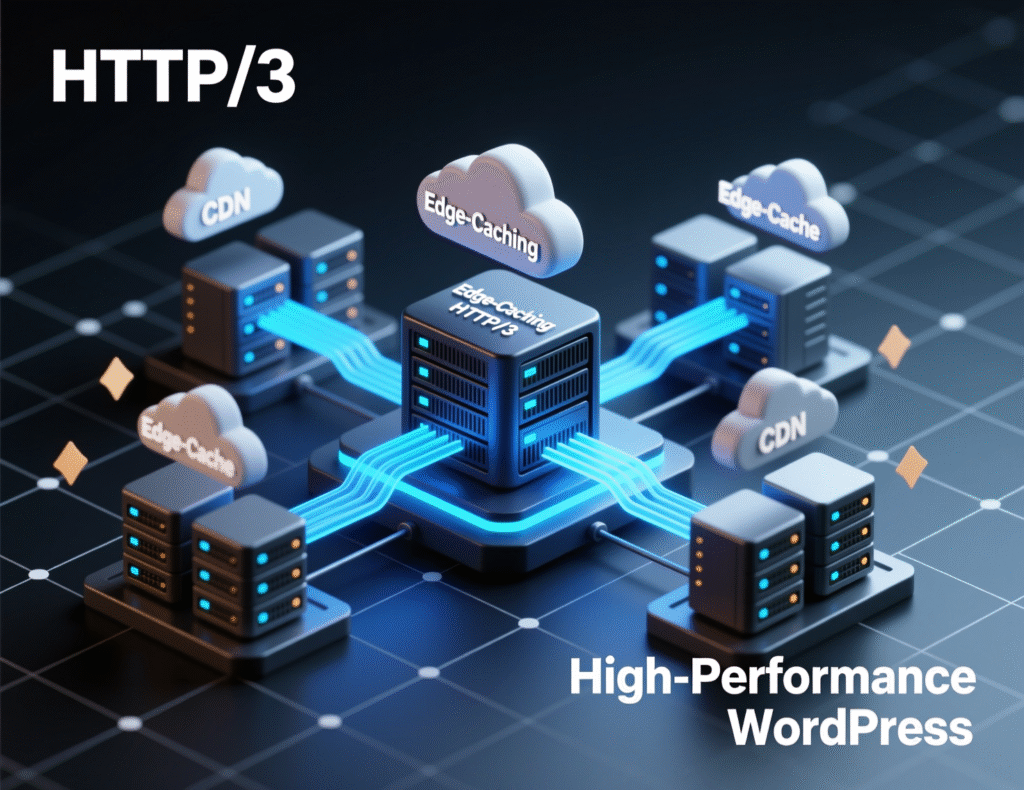
Case Study A: Sub-2s via Edge HTML Caching
A content site with global traffic suffered TTFB >800ms outside its home region. Enabling edge HTML caching (Cloudflare APO) + origin page caching dropped global TTFB by ~60–70% and improved FCP by ~20–25%, pushing most pages under 2 seconds perceived load. This aligns with Cloudflare’s reported ~72% TTFB and ~23% FCP improvements.
Case Study B: WooCommerce From 3.8s to 1.9s
A mid-catalog WooCommerce store saw slow category pages and intermittent admin slowness. Using Query Monitor, we identified unindexed meta queries and chat/analytics tags loading on all templates. After adding DB indexes, enabling Redis Object Cache, and deferring non-essential scripts, the store stabilized at ~1.9s LCP on key templates under load. (Approach reflects guidance from Query Monitor and host APM tooling.)
Step-By-Step: How to Achieve Sub-2s High-Performance WordPress
Establish baselines
Run PageSpeed Insights and WebPageTest; record LCP/INP/CLS and TTFB in 3 regions.
Turn on edge + origin caching
CDN with HTML caching for guests + origin page cache for logged-in/cart users. Consider APO or equivalent.
Add persistent object cache
Install Redis Object Cache, connect to a managed Redis, and verify hit ratios.
Crush media
Migrate hero and template images to AVIF/WebP; set correct width/height and sizes. WordPress 6.5 supports AVIF.
Inline critical CSS, defer the rest
Ensure above-the-fold content renders without blocking styles.
Chop long JS tasks
Code-split, defer analytics, move non-critical widgets below the fold; target INP ≤200ms.
Ship HTTP/3
Confirm CDN and origin support; monitor connection protocol in DevTools/headers.
Re-measure
Validate in PSI + real-user monitoring; track improvements week-over-week.
Monitoring & Governance for High-Performance WordPress
-
Budgets
Define max TTFB/LCP/INP and enforce via CI (Lighthouse CI) on critical templates. -
Plugin discipline
Audit quarterly; remove redundant plugins and stale themes. -
Server-Timing headers
Expose DB, PHP, and cache timings for fast diagnosis. -
Change management
Test marketing scripts and theme updates in staging against budgets.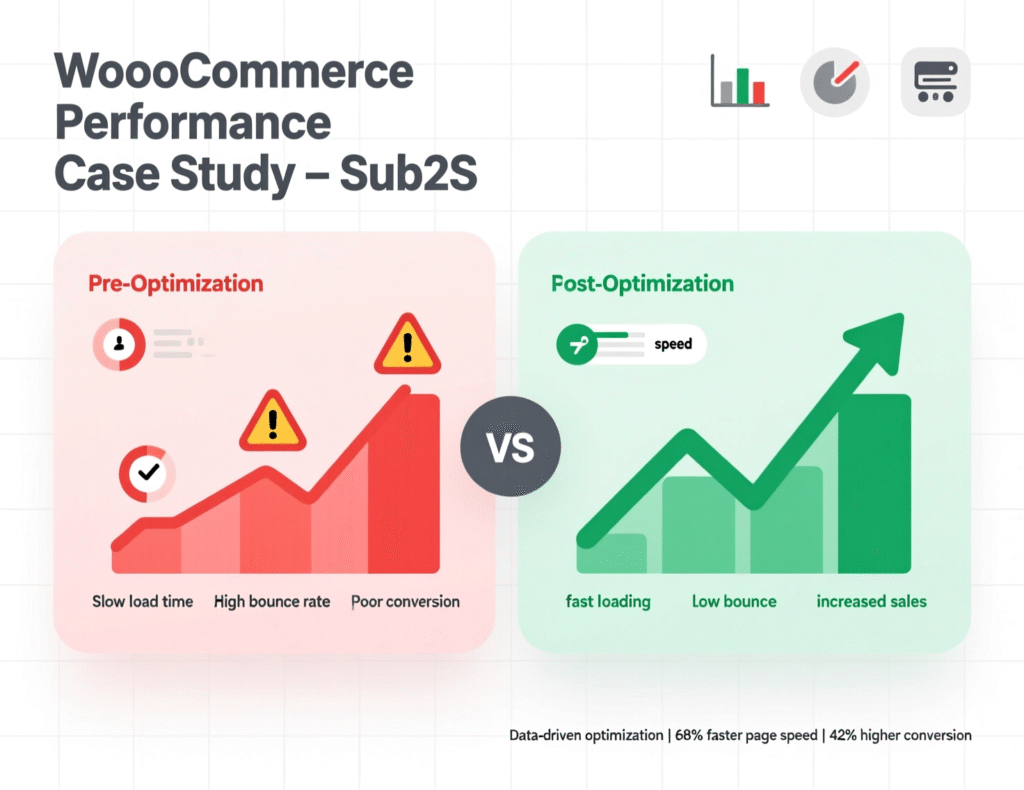
Concluding Remarks
Sub-2-second pages aren’t about chasing a “perfect 100”they’re the output of sound caching, lean media, and disciplined JavaScript. With the framework and checklists above, your team can deliver High-Performance WordPress reliably, even under traffic spikes and complex theme/plugin stacks.
Want this implemented for you? Book a performance audit, and we’ll return a prioritized, platform-ready plan to hit High-Performance WordPress targets in weeks not months.
FAQs
Q : How do I get a sub-2s load on WordPress?
A : Focus on edge HTML caching, a persistent object cache (Redis), optimized LCP media (AVIF/WebP), critical CSS inlining, and cutting long JavaScript tasks. Measure with PSI and fix the biggest opportunities first. Expect the largest gains from CDN + caching + media optimization.
(Schema expander: Steps mirror the HowTo below.)
Q : How does INP affect WordPress performance?
A : INP measures end-to-end interactivity; it replaced FID in March 2024. Heavy JS and third-party tags often tank INP. Break long tasks, defer non-critical scripts, and reduce main-thread work to keep INP ≤200ms.
(Schema expander: Include targets and diagnostic tools.)
Q : How can WooCommerce reach sub-2s?
A : Use edge caching for catalog pages, Redis object cache, DB indexes for meta queries, and defer chat/analytics. Optimize product images to AVIF/WebP and reduce cart fragments overhead.
(Schema expander: Add store-specific budgets.)
Q : What plugins help with High-Performance WordPress?
A : Performance Lab (core features early), Redis Object Cache, and a reputable image optimizer. Avoid stacking overlapping optimizers.
(Schema expander: Note to test on staging.)
Q : How do I reduce TTFB on WordPress?
A : Pick a fast host, use CDN (APO or edge rules), enable origin page cache, and persistent object cache. Optimize database and PHP versions.
(Schema expander: Mention global tests.)
Q : How to measure LCP and INP correctly?
A : Use PageSpeed Insights for field data and DevTools Performance for lab validation. Identify the LCP element and long tasks affecting INP.
(Schema expander: Include thresholds.)
Q : How can I safely preload assets?
A : Only preload critical assets (LCP image, critical font, must-have JS chunk). Over-preloading increases contention and hurts metrics.
(Schema expander: Add resource hints guidelines.)
Q : How do AVIF and WebP help?
A : They cut image weight significantly; WordPress 6.5 supports AVIF natively, helping LCP and bandwidth. Keep responsive srcset in place.
(Schema expander: Mention fallbacks.)
Q : How often should I audit performance?
A : Quarterly for most sites; monthly for stores or high-change sites. Enforce budgets in CI and watch real-user metrics trends.
(Schema expander: Specify budget thresholds.)